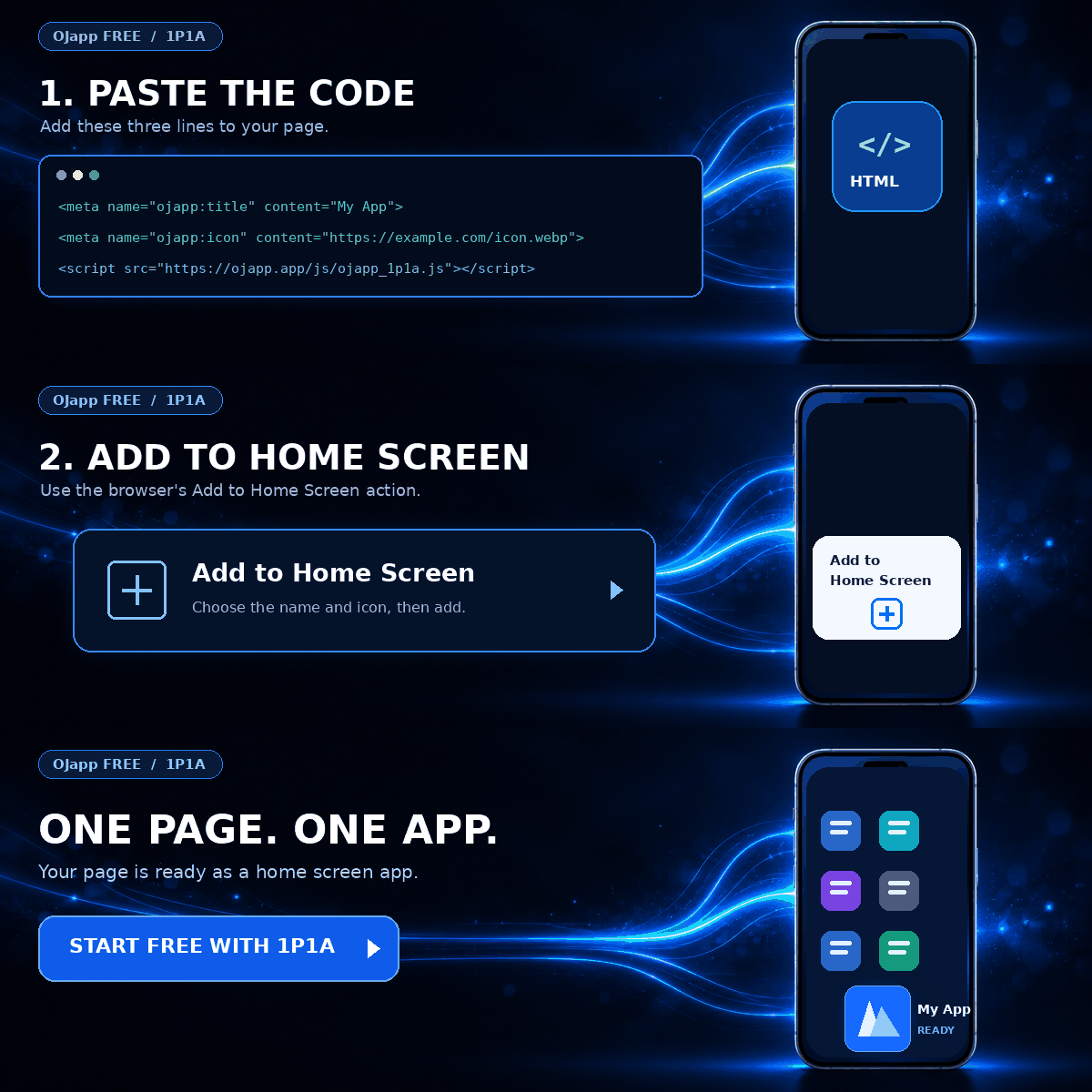
This site uses the original WordPress plugin OJapp PWA Marketing.
Each article can be added to your Home Screen with its own dedicated icon.
One way to distribute an Android app without Google Play is to host an APK file on a website and let users install it directly.
PWAs can also be installed or added to the home screen directly from a website, so they do not necessarily require Google Play either.
That raises an obvious question:
“Is a PWA basically the same thing as a sideloaded APK?”
They do have one thing in common: both can reach users without going through an app store.
But underneath, they are completely different.
In this article, I will compare PWAs and externally distributed APKs, including how they are installed, updated, secured, and what kinds of device capabilities they can use.
- 1 The biggest difference: a PWA is Web, an APK is an Android app
- 2 PWA vs external APK at a glance
- 3 An external APK must be downloaded and installed
- 4 A PWA can be added directly from the website
- 5 Updates work very differently too
- 6 PWAs can also work on iPhone
- 7 If you need deep device integration, APK has the advantage
- 8 Is a PWA basically a “sideloaded app”?
- 9 Does that mean a PWA is automatically safer?
- 10 If you only want your website to feel like an app, PWA may be enough
The biggest difference: a PWA is Web, an APK is an Android app
This is the most important distinction.
A PWA is a Web app.
It is built with technologies such as HTML, CSS, and JavaScript, accessed through a browser, and in supported environments it can be added to the home screen as an app-like entry point.
An APK, on the other hand, is a package used to install an Android application onto a device.
The file extension is simply:
.apkAndroid installs the application code and resources contained in that package.
So even though both can eventually place an icon on the home screen, what is actually happening is different:
- PWA → makes a Web app easier to launch from the device
- APK → installs an Android application onto the device
If you are still unsure what counts as a PWA, What Is a PWA? A Simple Guide to How Websites Become Apps on Smartphones explains the basics.
PWA vs external APK at a glance
| Comparison | PWA | External APK |
|---|---|---|
| What it is | Web app | Android app |
| Distribution | Website / URL | APK file |
| Google Play | Not required | Not required when distributed directly |
| Installation | Add or install from the browser | Download APK and install it on Android |
| Updates | Usually update the Web version | The installed app itself needs an update path |
| iPhone | Supported | APK cannot be installed |
| Device capabilities | Limited by browser and Web APIs | Broader Android app capabilities |
If you only look at the fact that both can be distributed without an app store, they seem similar.
But the way they achieve that is very different.
 What PWAs Can and Cannot Do on iOS in 2026: A Complete Practical Guide
An external APK must be downloaded and installed
With an externally distributed APK, the user downloads the APK file from a website or another source.
Then Android installs that package as an application.
When the app is not distributed through Google Play, the user may also need to allow app installation from that particular source.
From the user’s perspective, the flow looks roughly like this:
- Open the website
- Download the APK
- Allow installation from that source if required
- Install the APK
If your goal is to distribute an actual Android application, this is a perfectly valid approach.
But if all you want is to make an existing website easier to open from the home screen, it may be more than you need.
A PWA can be added directly from the website
A PWA does not require you to distribute an APK file to users.
Users simply visit the website as usual.
In supported browsers and operating systems, they can install it or add it to their home screen from there.
A Web App Manifest can define the app name, icon, launch URL, display mode, and other information.
{
  "name": "My App",
  "short_name": "My App",
  "start_url": ".",
  "display": "standalone",
  "icons": [
    {
      "src": "/icon.png",
      "sizes": "512x512",
      "purpose": "any"
    }
  ]
}
From the user’s perspective, the flow is much lighter:
- Open the website
- Add it to the home screen or install it
- Tap the icon next time to open it directly
No APK file is being distributed.
Updates work very differently too
This difference matters a lot for developers and site operators.
A PWA is still fundamentally Web content, so if you update the website, the new version can usually be served the next time the user opens it.
Of course, if you use aggressive Service Worker caching, you also need to think about cache invalidation and update behavior.
But being able to update the application by updating the Web server is still one of the major characteristics of PWA.
An APK is an installed Android application.
If you change the application itself, you need a way to deliver a new version to users.
If you are distributing APKs yourself instead of using an app store, then managing the update flow also becomes your responsibility.
PWAs can also work on iPhone
APK is an Android package format, so you cannot install an APK on an iPhone.
PWAs are Web-based, so they can be used on both Android and iPhone.
However, the installation flow and available PWA features vary depending on the browser and operating system.
In particular, iPhone and Android can behave differently even when they use the same Manifest.
I have repeatedly seen this while testing on real devices. If you want a deeper look at that difference, see iOS and Android Have Different Goals for PWAs.
If you need deep device integration, APK has the advantage
At this point, PWA may sound easier and more convenient.
But that does not mean PWA is always better than APK.
The device features available to a PWA are affected by what the browser and operating system expose through Web APIs.
If you need deep integration with Android-specific capabilities, a native Android application may be the better choice.
On the other hand, it is worth considering PWA first if:
- you already have a Web service
- you mainly want users to open it directly from the home screen
- you want to distribute it through a URL
- you want it to work on both Android and iPhone
In those cases, creating a separate Android app may not be necessary.
Is a PWA basically a “sideloaded app”?
This is where the terminology can become misleading.
It is tempting to put PWAs and externally distributed APKs into the same category simply because neither necessarily uses Google Play.
But a PWA is a Web application that the browser integrates more closely with the device.
Adding it to the home screen does not automatically give the website the same permissions as a native Android application.
An APK, however, is the installation of an Android application itself.
They may both avoid the app store, but the device is doing very different things underneath.
Does that mean a PWA is automatically safer?
No. That is a separate issue.
It would be too simplistic to say that PWAs are safe and APKs are dangerous.
For example, a malicious website could imitate a legitimate login page and steal credentials through phishing even if it were not a PWA at all.
If that malicious site were added to the home screen as a PWA, the underlying Web service would still be malicious.
Likewise, an APK distributed outside an app store is not automatically dangerous just because it was sideloaded.
What matters is where the software came from, who created it, and what it actually does.
If you only want your website to feel like an app, PWA may be enough
Both external APKs and PWAs can reach users without requiring an app store.
But they are built for very different purposes.
If you need an actual Android application with deeper Android integration, APK makes sense.
If you already have a website or Web service and mainly want users to launch it directly from the home screen, PWA may be enough.
In the second case, you may be able to achieve your goal without building a completely separate Android application at all.
Instead of starting with “I want to build an app,” start with “What exactly do I want users to use like an app?”
Once you answer that question, the choice between PWA and APK becomes much easier.

Add OJapp Tips as a preferred source on Google
Make it easier to find OJapp Tips articles in Google Search.