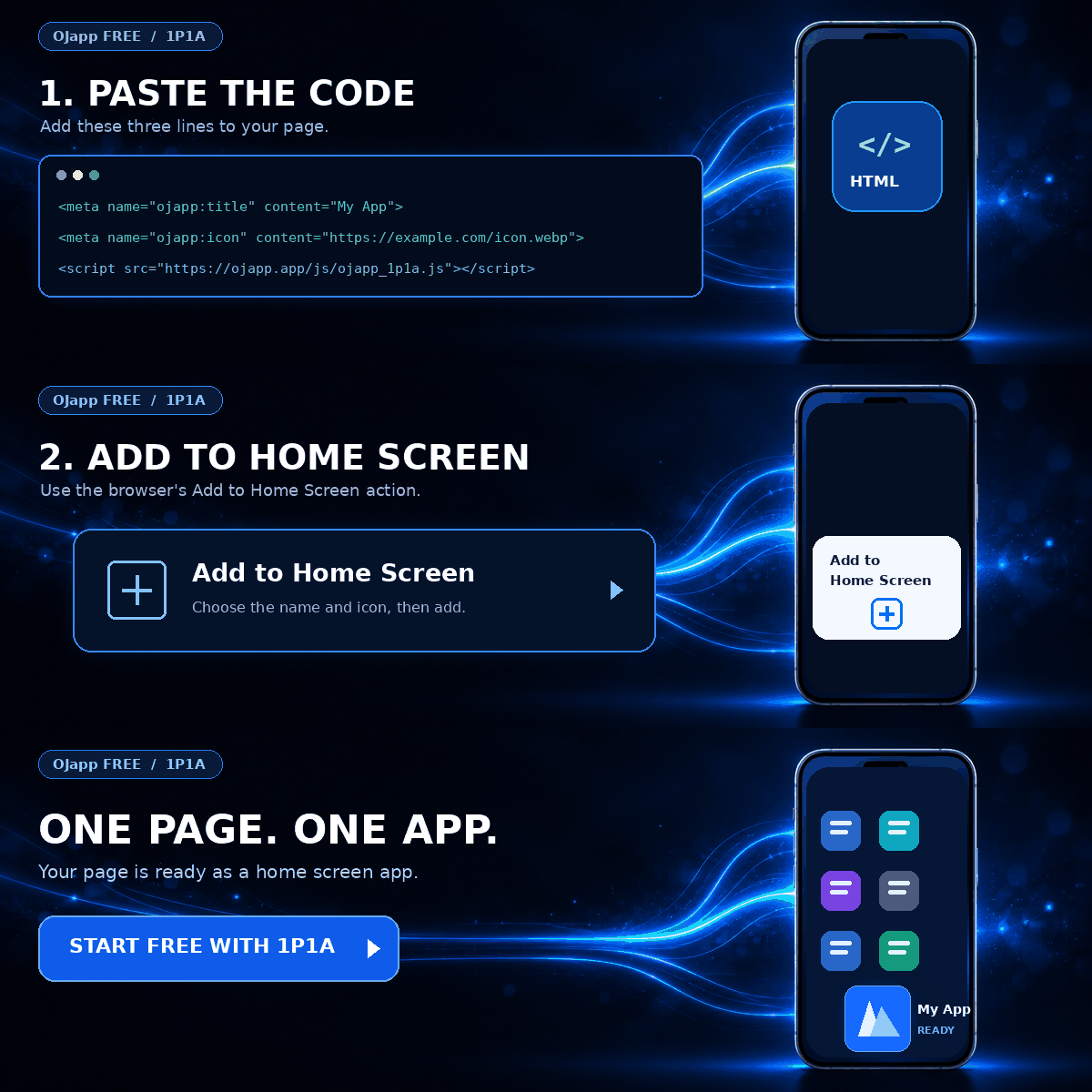
This site uses the original WordPress plugin OJapp PWA Marketing.
Each article can be added to your Home Screen with its own dedicated icon.
I was building a small web tool for use as a PWA and decided to add a print button.
In JavaScript, that should be about as simple as it gets: call window.print() and let the browser handle the rest.
I expected this part to take a minute.
It did not.
The print interface opened normally in Safari, but when I launched the exact same page from the iPhone home screen as a PWA, pressing the button appeared to do nothing.
My first assumption was that I had broken something in my own code. So instead of changing the implementation immediately, I started comparing Safari and standalone mode step by step on an iPhone running iOS 27.
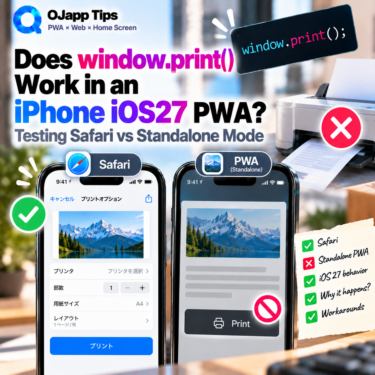
window.print() worked normally in Safari
I used the same HTML for both tests. The only difference was whether the page was opened directly in Safari or launched from the home screen in standalone mode.
In Safari, calling window.print() opened the print interface as expected.
I also checked several signals around the print process:
beforeprintmatchMedia('print')afterprint
All three could be observed during the Safari test.
That was important because it suggested that the print button and the basic JavaScript implementation were not the problem.
The same page did nothing in standalone mode
I then launched the same page from its home screen icon and ran the test again.
This time, the print interface did not appear at all.
JavaScript itself was still running. My logs showed that execution reached the window.print() call, and there was no obvious exception stopping the script.
But after that, none of the print-related signals I was watching responded:
 What I Learned by Using a Nonexistent URL: iPhone’s Hidden Home Screen Icon Behavior
beforeprintmatchMedia('print')afterprint
I also verified the display mode
At this point I wanted to make sure the home screen version was actually running as a PWA rather than just opening another browser view.
In Safari, the detected display mode was:
browserWhen launched from the home screen, it was:
standaloneSo the page was behaving as expected in that respect. If you want to check this in your own PWA, I have a separate guide on detecting whether a PWA was opened from the home screen with display-mode: standalone.
The interesting part was now clear: the same page and the same JavaScript behaved differently depending on whether it was running in Safari or as a standalone home screen web app.
Safari also showed a print-specific security prompt
Another detail appeared while I was repeatedly testing printing in Safari.
After triggering print again, Safari displayed a confirmation indicating that automatic printing from the website was being blocked. After allowing it, the normal print interface appeared.
So in my Safari test, printing involved more than simply displaying the print UI. Safari was also applying a confirmation flow around repeated print attempts.
The standalone PWA did not show that confirmation either.
That made the behavior more interesting. It did not look like the PWA was merely failing to display the final print sheet; it looked as though it was not entering the same print flow I observed in Safari.
However, that is an observation from this test, not an explanation of the underlying WebKit behavior. From this experiment alone, I cannot say whether the difference is an intentional iOS 27 restriction, a bug, or another implementation detail.
Safari vs PWA: the test results
| Test | Safari | PWA (standalone) |
|---|---|---|
window.print() call reached | Yes | Yes |
beforeprint | Observed | No response |
matchMedia('print') | Observed | No response |
afterprint | Observed | No response |
| Print interface | Displayed | Not displayed |
At least in this iOS 27 test environment, window.print() did not appear to fail as a normal JavaScript call.
Instead, the print process that followed the call in Safari appeared not to start in standalone mode.
This is not the only area where iPhone home screen web apps can behave differently from Safari. I keep more of those practical differences in my overview of PWA limitations on iPhone.
What can you do if your PWA needs printing?
In this test, I did not find a way to make the standalone PWA open the normal print interface through window.print().
For a real tool that needs printing, a practical fallback would be to open the content in Safari and print from there, or, depending on the use case, generate or display a PDF that the user can handle separately.
This does not mean that window.print() can never work in every iOS PWA or that the behavior will remain the same in future versions. The result here is narrower: on the iOS 27 device I tested, the same page printed correctly in Safari but did not start the print flow when launched from the home screen in standalone mode.
When something works in Safari but fails after being added to the home screen, it helps to separate those environments before rewriting your code. My guide on checking PWA status and display mode covers a few useful ways to do that.
I thought print() would be the easy part
I expected this feature to be one line of JavaScript and done.
Instead, Safari worked, the PWA did not, the print events also disappeared in standalone mode, and Safari even exposed an additional confirmation flow during repeated testing.
It turned into a very iPhone-like debugging session.
Still, this is exactly why I prefer recording what actually happens on a real device rather than stopping at “printing does not work.” Knowing where the behavior starts to diverge makes the result much more useful later.
If a future iOS or WebKit update changes this behavior, I plan to run the same test again and update the results.

Add OJapp Tips as a preferred source on Google
Make it easier to find OJapp Tips articles in Google Search.