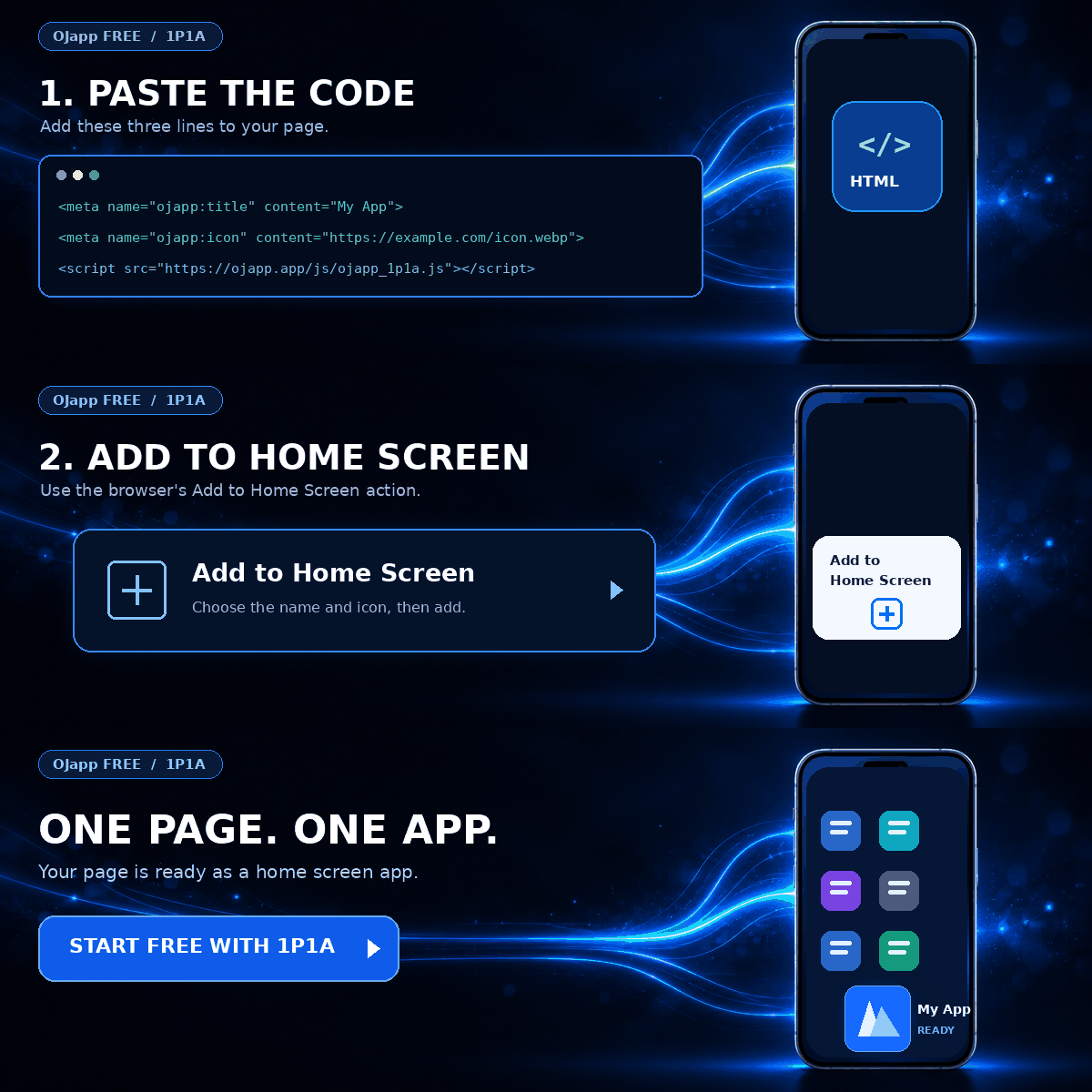
This site uses the original WordPress plugin OJapp PWA Marketing.
Each article can be added to your Home Screen with its own dedicated icon.
When people first learn about PWAs, one question often comes up.
“If a website can behave like an app, is it actually safe?”
PWAs can be added to the home screen, work offline, send push notifications, and launch without the normal browser UI. That can make them feel as if they have much more power than a regular website.
But the short answer is this:
A PWA is not automatically safe, and it is not automatically dangerous.
PWAs are still built with standard web technologies such as HTML, CSS, and JavaScript.
What really matters is not whether something is called a PWA, but which features that website actually implements.
In this article, I will separate the main pieces—manifest.json, Service Workers, push notifications, localStorage, cookies, and permissions—to explain what PWA security actually means.
- 1 A PWA is not a completely different kind of app
- 2 Turning a website into a PWA does not automatically collect personal data
- 3 Does adding a PWA to the home screen increase its permissions?
- 4 Service Workers are a little different
- 5 I actually ran into Service Worker scope problems in PWA LAB
- 6 A Service Worker is not required just to add a site to the home screen
- 7 Can a PWA send push notifications without permission?
- 8 localStorage is not dangerous because it is used by a PWA
- 9 Cookies are not a PWA-specific security issue either
- 10 HTTPS matters
- 11 Installing a PWA does not automatically make it dangerous
- 12 So, are PWAs safe?
- 13 A simple PWA has fewer things to manage
- 14 Summary
A PWA is not a completely different kind of app
The first thing to understand is that adding PWA support does not suddenly transform a website into a native app.
For example, if you add a Web App Manifest to an existing website, you can define things such as the home screen name, icon, launch URL, and display mode.
{
  "name": "Example",
  "short_name": "Example",
  "start_url": ".",
  "display": "standalone",
  "icons": [
    {
      "src": "/icon.png",
      "sizes": "512x512",
      "type": "image/png"
    }
  ]
}
Adding this file does not suddenly give the website unrestricted access to your photos, contacts, or other data on the phone.
The Manifest mainly tells the browser how the app should look and launch when it is added to the home screen.
Simply adding manifest.json does not grant the website extra device permissions.
Turning a website into a PWA does not automatically collect personal data
This is another point that is easy to misunderstand.
A website does not start collecting personal information just because it became a PWA.
If a service does things such as:
- asking for a name
- storing an email address
- using analytics
- using cookies
- handling login information
those are implementation choices made by the web service itself.
They are not automatic behaviors of PWA technology.
A normal website can do the same things.
Likewise, if you turn a simple website that barely handles any personal data into a PWA, it does not suddenly begin processing large amounts of private information just because it can be added to the home screen.
 What I Learned by Using a Nonexistent URL: iPhone’s Hidden Home Screen Icon Behavior
Does adding a PWA to the home screen increase its permissions?
This is another reasonable concern from the user’s perspective.
Once an icon appears on the home screen and the page launches without a normal URL bar, it can look very similar to a native app.
That can make people wonder:
“Since I installed it, did I also give it more access to my phone?”
No. Adding it to the home screen does not automatically give the site unlimited access to the device.
Web APIs that require permission—such as camera access, location, or notifications—still follow their own permission rules.
Looking like an app and receiving more permissions are two separate things.
Service Workers are a little different
When thinking about PWA security, Service Workers deserve more attention.
A Service Worker has a very different role from manifest.json.
The Manifest defines things such as the app name, icon, and launch behavior.
A Service Worker, however, can sit between a web page and the network and control requests and caching.
Page request
↓
Service Worker
↓
Return cached response?
Or fetch from the network?
This makes offline support and advanced caching strategies possible.
It is useful, but it is also one of the areas where problems can appear if you do not understand its scope and lifecycle.
I actually ran into Service Worker scope problems in PWA LAB
In PWA LAB, I tested Service Worker placement and scope on real devices.
For example, if the Service Worker is placed at:
/lab/sw.jsit can generally control that directory and the paths below it:
/lab/
/lab/playground/
/lab/app/xxxx/
On the other hand, when I placed a Service Worker deeper in the structure, such as:
/lab/app/xxxx/sw.jsit could not control the higher /lab/ path in the same way.
That part is relatively easy to understand.
The more dangerous area is the root.
/sw.jsA Service Worker placed at the site root can potentially control a very broad section of the site.
That is convenient, but during PWA LAB testing I also ran into issues such as:
- old cache entries remaining
- cache data from different pages mixing together
- updated code not appearing immediately
- unexpected behavior around manifests
- the controlled area becoming harder to reason about
This was not a security incident in the sense of an outside attacker breaking into the site.
It was a development risk: if the Service Worker controls too much, you can make your own application harder to manage.
For that reason, I have found it easier to think about Service Workers in smaller areas when possible.
/lab/sw.js
/theme/sw.js
/editor/sw.js
Each worker handles only the area that actually needs it.
If you want to understand the caching side in more detail, How PWA Offline Support Works: Service Workers, Cache API, and Files to Cache explains the basic structure.
A Service Worker is not required just to add a site to the home screen
This is an important distinction.
If your goal is simply to make a web page available from the home screen, you do not necessarily need to implement a Service Worker.
You can use a lightweight Web App Manifest-based setup without adding offline caching.
A simple way to think about it is:
Want home screen support
→ Manifest

Want offline support
→ Service Worker + Cache

Want push notifications
→ Service Worker + Push implementation
Add only the technologies needed for the feature you actually want.
If your website does not need a Service Worker, there is no reason to force one into the architecture.
This is also why I recommend starting small in The Fastest Way to Add a PWA: A Minimal Setup You Can Start With.
Can a PWA send push notifications without permission?
Push notifications are often introduced as one of the signature PWA features.
But it would be misleading to think that turning a website into a PWA automatically allows it to send notifications whenever it wants.
Push notifications require user permission.
The service also needs infrastructure for managing subscriptions and sending the notifications.
User grants notification permission
↓
Subscription information is created
↓
Service stores the subscription
↓
Push service delivers the message
↓
Service Worker receives it
↓
Notification is displayed
Simply adding manifest.json does not suddenly start sending push notifications.
Many PWAs do not use push notifications at all.
localStorage is not dangerous because it is used by a PWA
PWAs sometimes use localStorage to keep user settings on the device.
But localStorage is not a PWA-specific feature.
It is normal browser storage that regular websites can use as well.
So the statement:
“PWAs are dangerous because they use localStorage.”
is not accurate.
What matters is what you store there.
For example, localStorage is often reasonable for things such as:
- dark mode preferences
- whether a tutorial has already been viewed
- UI display settings
On the other hand, casually storing highly sensitive information that would cause serious problems if exposed is a bad idea.
That is not a PWA problem. It is a data design problem that applies to web applications in general.
Cookies are not a PWA-specific security issue either
The same is true for cookies.
Cookies have been used on websites for decades.
They are commonly used for sessions, login state, and many other web service features.
Adding a website to the home screen as a PWA does not suddenly make cookies unsafe.
Cookie security depends on things such as:
- what information is stored
- how expiration is configured
- whether attributes such as
Secureare configured appropriately - how authentication is designed
Again, the security of the web service and the fact that it is a PWA should be considered separately.
HTTPS matters
HTTPS is extremely important for web security in general, not just for PWAs.
HTTPS encrypts communication between the browser and the web server.
Powerful features such as Service Workers are designed to operate in secure contexts.
So a PWA is not a system where a website can suddenly do anything it wants.
It still operates inside the browser’s security model.
Installing a PWA does not automatically make it dangerous
Simply installing a PWA to the home screen does not grant that website special access to your device.
Using manifest.json does not allow a website to freely read your photos, contacts, or passwords.
The thing you should evaluate is not PWA technology itself, but what the web service is actually doing.
For example, a malicious website could imitate a legitimate login screen and trick a user into manually entering a username and password.
That is essentially the same phishing risk that already exists on ordinary websites.
However, PWAs can launch in standalone mode without the normal browser URL bar, which makes them look more like native applications.
So when entering important information such as login credentials or payment details, the key question should not be “Is this a PWA?”
It should be: “Do I trust the service I am using?”
So, are PWAs safe?
After separating the individual features, the answer becomes quite simple.
A PWA is not safe because it is a PWA, and it is not dangerous because it is a PWA.
A website that only adds a Web App Manifest for home screen support has a very different security surface from a full web application that includes Service Workers, push notifications, login, payments, and local data storage.
| Feature | Main role | What to think about |
|---|---|---|
| manifest.json | Name, icon, launch behavior | Does not itself grant additional device permissions |
| Service Worker | Network and cache control | Scope, updates, cache management |
| Push notifications | Send notifications to users | User permission and subscription management |
| localStorage | Browser-side storage | What data you store |
| Cookies | Sessions and other web features | Attributes, expiration, authentication design |
| Login / Payments | Web service functionality | Normal web application security practices |
Instead of judging the entire application from the single label “PWA,” look at the actual features being used one by one.
A simple PWA has fewer things to manage
This matters for developers too.
If your goal is simply:
“I want users to open this existing web page from their home screen.”
then you can keep the architecture very simple and center it around the Web App Manifest.
If you do not need offline support, do not add a Service Worker.
If you do not need notifications, do not add push infrastructure.
If you do not need local device storage, do not use localStorage.
Fewer features naturally means fewer things to manage.
A PWA does not have to include everything.
Summary
The most important thing when thinking about PWA security is not to judge everything based on the word “PWA.”
- Adding
manifest.jsondoes not automatically increase device permissions - Turning a site into a PWA does not automatically collect personal data
- Push notifications require user permission
- localStorage and cookies are standard web technologies, not PWA-only features
- Service Workers are powerful, so scope and cache management matter
- You do not need to implement features your site does not actually need
In other words, PWA security depends on what that particular PWA actually does.
A simple PWA that only provides a home screen entry point should not be treated as if it has the same security complexity as a full web app with payments, accounts, push messaging, and offline data.
PWA is still an extension of the Web.
Use only the features you need, and apply the same careful security design you would use for any modern web service.
That is probably the simplest and most accurate way to think about it.

Add OJapp Tips as a preferred source on Google
Make it easier to find OJapp Tips articles in Google Search.