“Is PWA still usable on iPhone?” This question has become increasingly common since 2024.
Here’s the short answer:
PWA is not completely dead—but it no longer works as originally intended on iPhone.
In this article, we’ll explain the current state of PWA on iOS and what you can actually do in 2026.
1. PWA Changed Significantly After 2024
In 2024, Apple made major changes to Safari. These changes were driven by regulatory requirements, but they had a huge impact on PWA behavior.
Key changes include:
- Service Workers became unreliable
- Home screen apps changed their behavior
- Cache management became restricted
As a result, the idea of “web apps behaving like native apps” became much harder to achieve on iPhone.
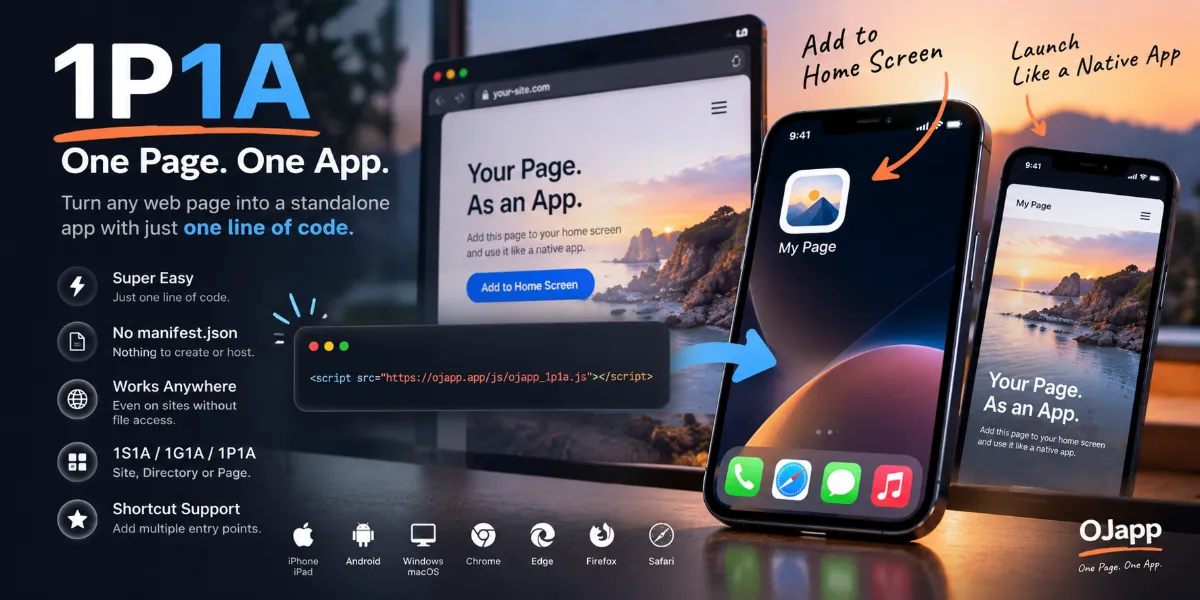
2. iPhone Now Uses WebClip Instead of Real PWA
Today, when you use “Add to Home Screen” on iPhone, it works as a WebClip, not a full PWA.
WebClip characteristics:
- Opens in Safari (not a standalone app)
- No true offline functionality
- Most manifest settings are ignored
In simple terms, it’s just a shortcut—not a real app experience.
3. Why Some People Still Say “PWA Works”
You might hear that PWAs still work on iPhone. That’s partially true, but only in limited ways.
- Basic caching can still function
- Simple sites may appear normal
- Standard web browsing works fine
However, these are only fragments of PWA functionality—not the full experience.
4. Why Developers Say “PWA Is Dead”
Many developers consider PWA “dead” on iPhone because:
- App-like behavior is no longer reliable
- Features are inconsistent
- Apple is not prioritizing PWA support
The real issue is not that it’s impossible— it’s that it’s no longer dependable.

5. What Should You Do Now?
Here’s the practical approach in 2026:
- Do not rely on full PWA functionality for iPhone
- Design around WebClip behavior instead
- Focus on browser-based UX
If your audience includes many iPhone users, depending on PWA can be risky.
6. Where OJapp Fits In
OJapp is not built around PWA. It is designed specifically for WebClip-based usage.
That means:
- No dependency on PWA features
- Stable behavior on Safari
- Fully compatible with current iPhone systems
In fact, in 2026, OJapp aligns perfectly with how iPhone actually works.
Summary
- PWA is not completely dead
- But it no longer works as originally intended on iPhone
- iOS uses WebClip instead of real PWA
- PWA is now limited and unreliable on iPhone
- WebClip-first design is the safer approach
The correct understanding is this:
PWA is not dead—it has simply lost its place on iPhone.