The Web App Manifest has a field called start_url.
At first, it looks simple.
It defines the URL a PWA should start from when launched.
But once you begin designing real PWAs, an important question appears.
Should the app open the website home page, the page the user actually wanted, or a dedicated launch URL?
There is also another option I have been testing in PWA LAB: start_url: ".".
This article compares these approaches by asking a more useful question: where should the user return when they tap the home screen icon?
start_url defines the launch entrance
Consider this Manifest:
{
  "name": "Example App",
  "start_url": "/",
  "display": "standalone"
}
When the PWA launches, its starting point is the site root.
That means the home screen icon effectively represents the website itself.
This is why start_url is more than a technical field. It helps define what the PWA is an entrance to.
The simplest design is to launch the site home page
A common PWA configuration uses:
"start_url": "/"This makes sense when the whole website is treated as one application.
A user might add the PWA while reading an article or viewing a product, but the installed application still launches from the main site entrance.
I describe this model as 1S1A: One Site. One App.
Entire website
->
One PWA
->
Launch the main site entrance
For services where the website itself is the product, this can be exactly the right design.
You can read more about the distinction in The Two Directions of PWA Design: 1S1A and 1P1A.
But does the user actually want to return to the home page?
Imagine someone finds a five-minute timer on the web and decides to keep it on their home screen.
When they tap that icon tomorrow, do they want the website home page?
Probably not.
They want the five-minute timer.
The same applies to product pages, booking pages, profiles, dashboards, and web tools.
If the user saved a specific purpose but the icon always opens the top page, some of the convenience is lost.

A fixed page can be the start_url
If the PWA has one clear destination, you can point directly to it.
"start_url": "/timer/"Now the app always starts from /timer/.
This works well when the launch destination is known in advance, such as:
- a dashboard
- a booking interface
- a dedicated web tool
- a member page
If the PWA represents one specific function, a fixed start URL can be simple and effective.

Things get more complicated when every user has a different page
Now imagine a profile service with URLs such as:
/user/alice
/user/bob
/user/charlie
Or an ecommerce site where every product has a different URL.
A static Manifest containing:
"start_url": "/user/alice"is obviously specific to Alice.
Bob would need a different value.
As the number of pages increases, maintaining separate static Manifests becomes inconvenient.
This is where start_url: "." becomes interesting
One of the most useful patterns I found while testing page-level PWAs is:
"start_url": "."The dot is a relative URL.
There is an important detail here: relative start URLs are resolved against the Manifest URL.
So placing start_url: "." inside one static root-level manifest.json does not magically mean 'whatever page the user is currently viewing.'
This distinction matters.
My 1P1A implementation works because the Manifest is generated dynamically for the page context, allowing the relative URL to represent that page-level entrance.
I explain this experiment in more detail in Why start_url: "." May Be the Best Choice for PWAs That Should Reopen the Same Page.
Dynamic Manifests make page-level launch URLs easier
Suppose the current page is:
https://example.com/tools/timer/If that page receives a dynamically generated Manifest and that Manifest uses:
"start_url": "."the relative launch URL can be designed around that page context.
Another page can receive another app entrance:
/tools/timer/
->
Timer app

/tools/compressor/
->
Image compressor app

/products/item-a/
->
Product A app
This makes dynamic Manifest generation especially useful when individual pages need their own home screen identities.
This fits naturally with 1P1A
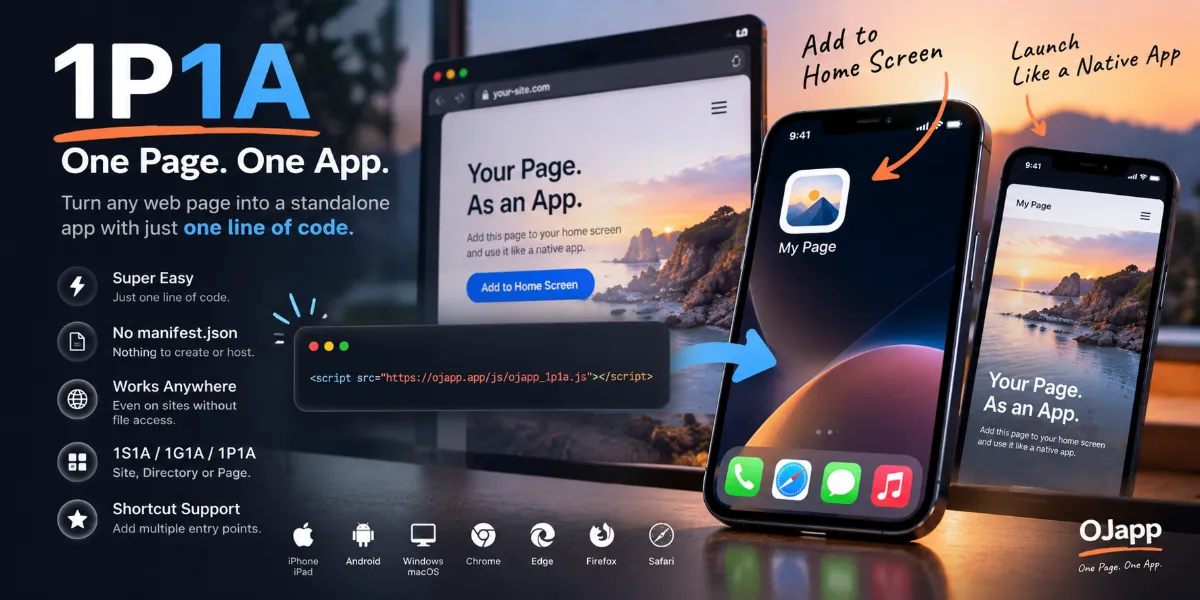
This is part of the thinking behind 1P1A (One Page. One App.).
In a site-wide PWA model:
Any page
->
The same site app
In a page-level model:
Page A
->
App A

Page B
->
App B
If the page is the app unit, having a page-specific launch URL becomes a natural part of the design.
A dedicated launch URL is another option
You can also create a special URL specifically for PWA startup.
"start_url": "/app/"This allows the application to perform launch-specific logic before sending the user elsewhere.
For example:
/app/
->
Check authentication
->
Open dashboard
This can be useful when the web application needs a controlled startup flow.
But if the only goal is to reopen one particular page, adding a dedicated launch route can also create unnecessary complexity.
A stateful URL can become the entrance too
Some web applications encode state in the URL.
For example:
/timer/?time=5&mode=downmight represent a five-minute countdown timer.
Instead of treating only the page itself as the app, you can think about preserving that specific URL state as the user's entrance.
This is one direction I have been exploring with UDA, or User Defined App: the user defines the app by choosing a URL state that matters to them.
You can read more in What Is PWA UDA (User Defined App)?.
You may not need to hard-code user IDs into start_url
When building user-specific PWAs, an obvious first approach is:
"start_url": "/user/12345"That can be appropriate when the architecture requires it.
But if a dynamically generated Manifest and a relative URL already preserve the correct page context, explicitly constructing a unique user ID inside every Manifest may not be necessary.
This can reduce Manifest-generation logic and avoid fixing page-specific identifiers into places where they are not required.
The right start_url depends on what you consider one app
| Design | Example start_url | Good fit |
|---|---|---|
| Site root | / | One app for the entire website |
| Fixed page | /timer/ | One specific tool or function |
| Relative URL | . | Dynamic Manifest with page-level entrances |
| Dedicated launch route | /app/ | Controlled startup logic |
| Stateful URL | /timer/?time=5 | A specific user-selected state |
There is no single start URL that is correct for every PWA.
The real design decision is what you consider to be one app.
If the site is the app, open the site. If the page is the app, open the page
The idea can be simplified to this:
The whole site is the app
->
Launch the site entrance

A specific page is the app
->
Launch that page
Traditional PWA examples often assume the first model, so start_url is frequently set to the site root without much discussion.
But web pages have different purposes.
A product, article, timer, profile, booking form, or tool can each be a meaningful destination on its own.
If that is what the user chose to keep on the home screen, there is a strong argument for returning them directly to it.
start_url is really an entrance-design decision
In the Manifest, start_url is only one line.
But that line can change the identity of the PWA.
Launch the site root and it feels like a site app.
Launch a tool and it feels like a tool app.
Launch a product and the icon becomes a direct product entrance.
Preserve a URL state and the user can even define their own version of the app.
Choosing start_url means deciding where the user should return when they tap that home screen icon next time.
Instead of automatically writing /, I think it is more useful to first ask one question: what exactly is this icon supposed to open?