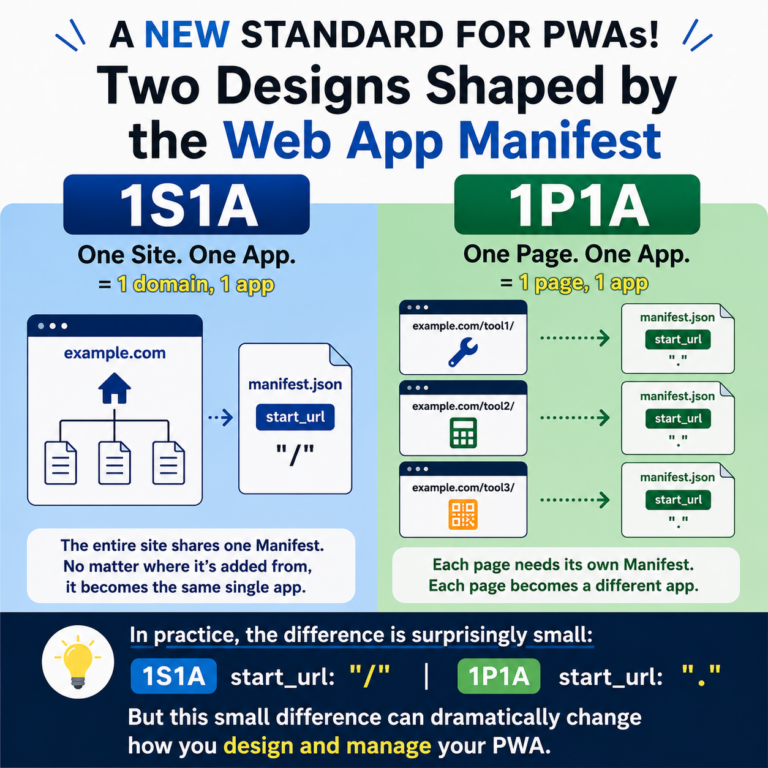
When you look up the benefits of PWAs, you often see explanations like these: They can work offline They can send push notifications They can be used like apps They can load faster Of course, all of these are things PWAs can do. But in 2026, when I think about the benefits of PWAs from the user’s perspective, I believe the biggest value is much simpler. You can place frequently used websites or pages you want to revisit on your smartphone’s home screen and open them with a single tap next time. There is no need to search again, dig through bookmarks, or navigate through URLs. Just tap the icon on your home screen, and you can immediately return to the website you use. What matters to users is not that “this website uses PWA technology,” but that it becomes a little more convenient the next time they use it. And today, if that is the only experience you want to create, you do not need to build a complicated PWA. The Biggest Benefit of PWA Is Being on the […]