What Is a PWA? 2026 Guide to How Websites Work on the Home Screen and the Easiest Way to Implement One
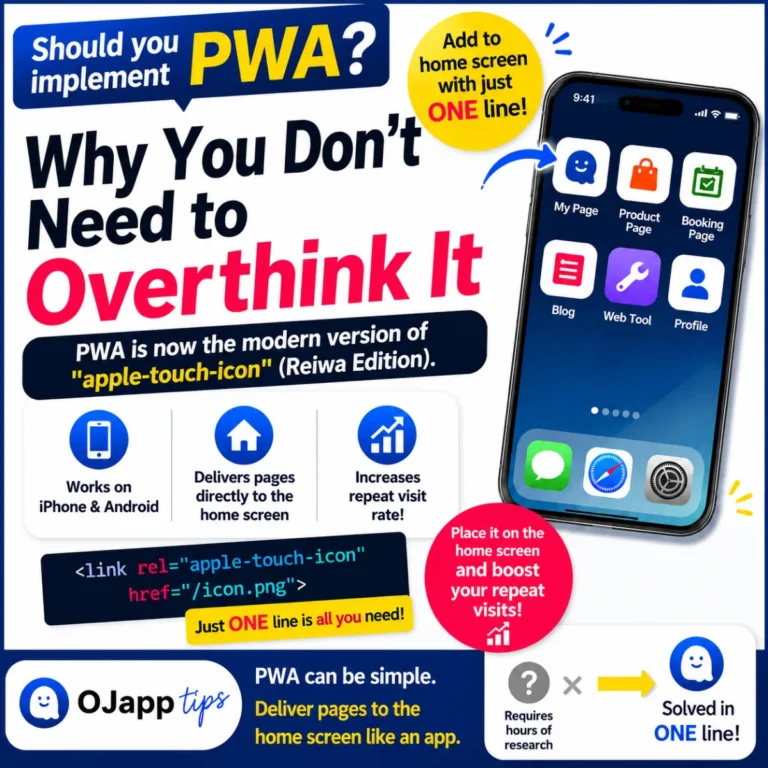
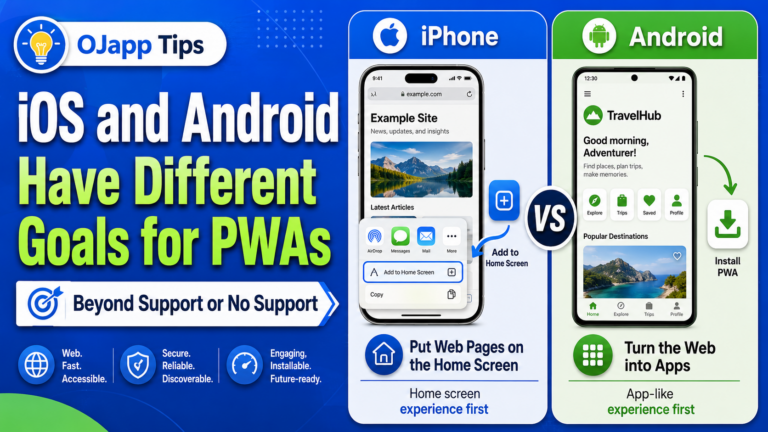
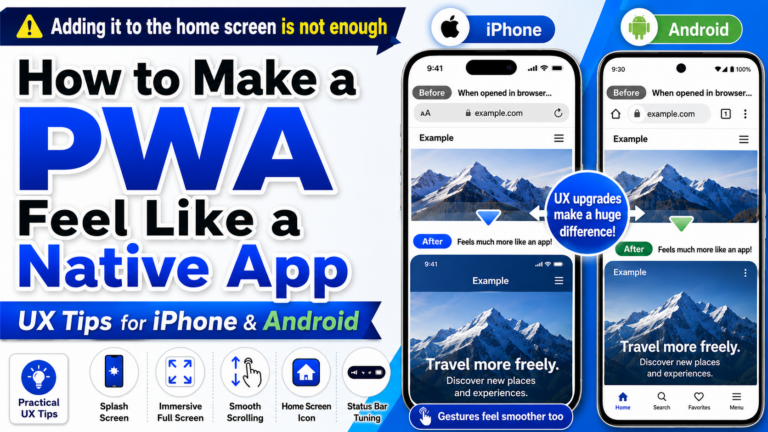
PWA (Progressive Web Apps) is a technology that allows you to add a website to a smartphone’s home screen and use it like an app. Without publishing anything to the App Store or Google Play, you can provide an app-like experience using only your website. Today, PWAs are increasingly used not only for corporate websites and e-commerce sites, but also for blogs, web tools, and many other types of websites. However, many people still have questions such as: “What exactly is a PWA?” “What can a PWA do?” “How is it different from a regular website?” In this article, I’ll explain the basics of PWA as clearly as possible, along with the design concepts you should understand when actually building one. What Can a PWA Do? By implementing PWA features, a website can provide experiences such as: Add to Home Screen Full-screen or standalone display without the browser UI Offline support Push notifications App-like launching experience For most users, the first PWA feature they encounter is: “Add to Home Screen.” Once added, the website appears alongside other apps on the […]