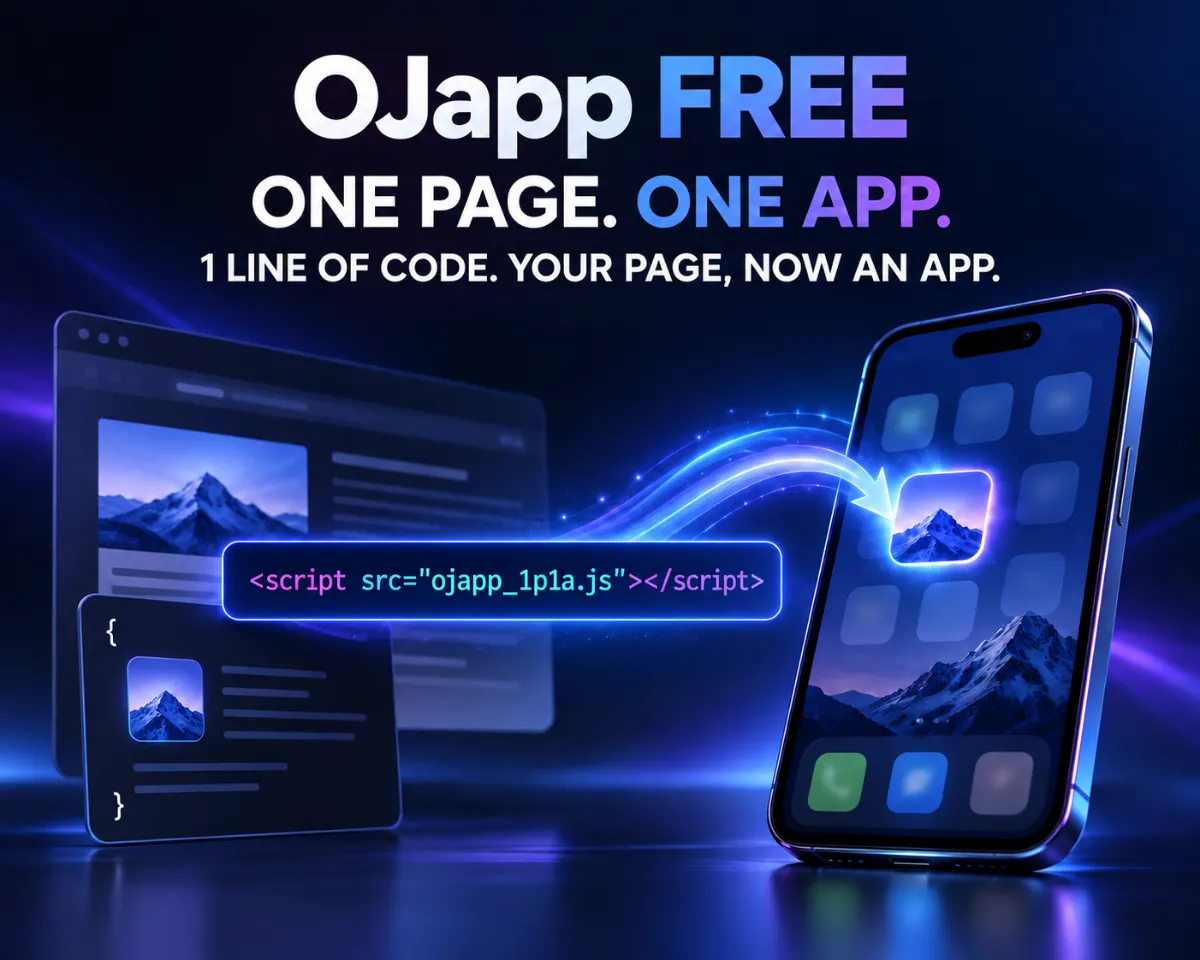
This site uses the original WordPress plugin OJapp PWA Marketing.
Each article can be added to your Home Screen with its own dedicated icon.
Shortcut vs Web App vs OJapp — A Complete Comparison
When adding a website to your iPhone or Android home screen, there are actually three major methods:
- ① Shortcut Method (iPhone’s automation-based icon customization)
- ② Standard Web App “Add to Home Screen”
- ③ OJapp Method (custom icon + custom name + sharable setup)
This article organizes what each method can and cannot do, so you can choose the best option for your purpose.
① What Is the Shortcut Method?
Using the iPhone’s built-in “Shortcuts” app, you can create a pseudo-app with any icon and any name you like.
Pros
- Full freedom to choose the icon
- You can rename it to anything
- Great for people who want to unify their home screen theme
Cons
- Setup is complicated, especially for beginners
- Cannot be shared — the other person must recreate it manually
- A Shortcut screen flashes briefly on launch
- You must recreate everything when changing devices
→ Good for personal use, but too much hassle to recommend to others.
② Standard Web App “Add to Home Screen”
This is the simplest way, available on both iPhone and Android through Safari or Chrome.
Pros
- Extremely easy — only a few seconds
- Fast launch speed (no Shortcut delay)
- Anyone can do it without explanation
Cons
- The icon is fixed to the website’s own setting
- Examples: note → “n”, BOOTH → camel icon, BASE → triangle logo
- Low freedom because it depends entirely on the website
→ Convenient, but unsuitable if you want users to place “your own icon.”
 iOS and Android Have Different Goals for PWAs: The Real Difference Beyond Support or No Support
③ What Is the OJapp Method?
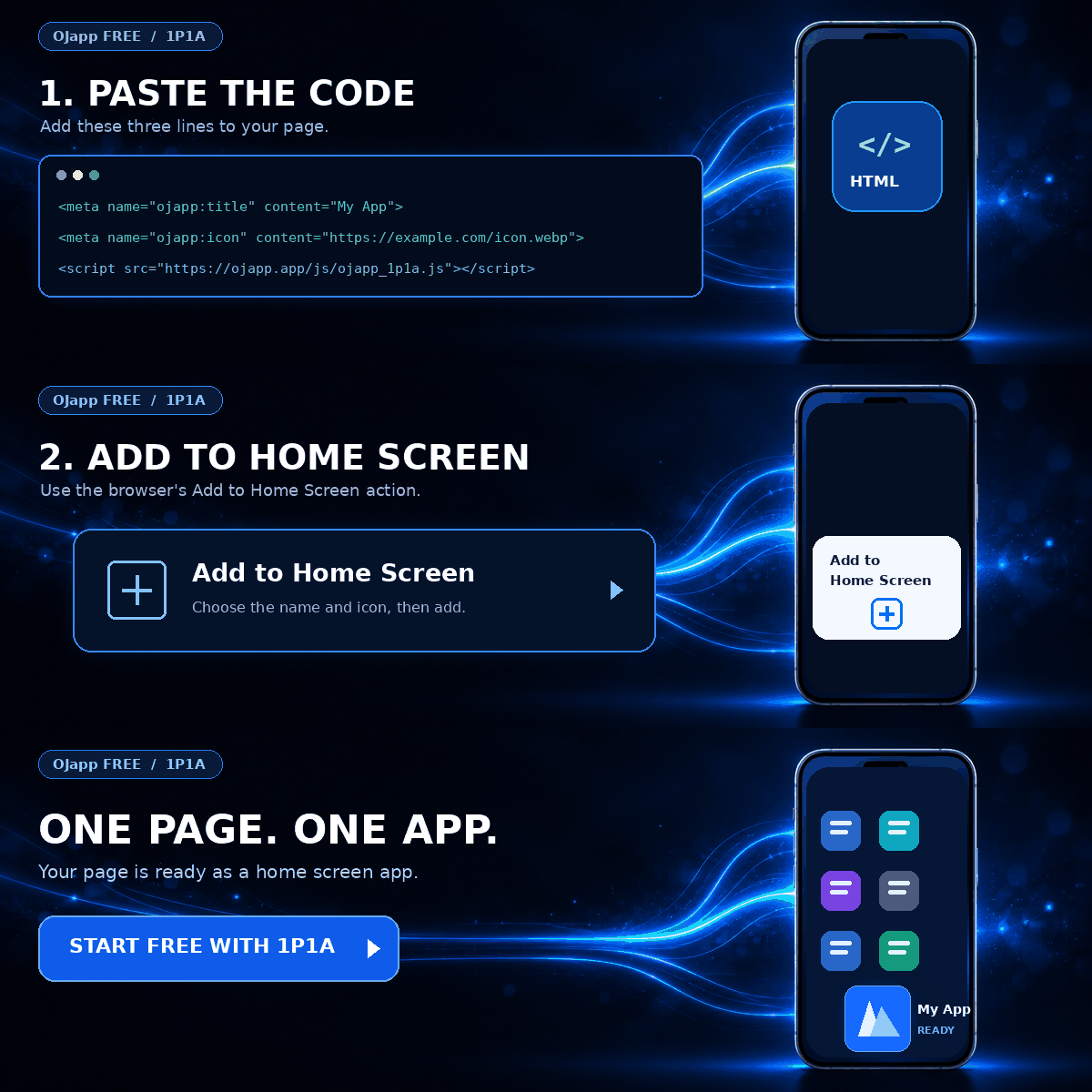
OJapp generates a small web page where the icon, app name, and URL are all freely customizable.
Users can then add it to their home screen just like a Web App.
Pros
- Use any icon you like
- Shareable via a single URL — anyone can recreate the same setup instantly
- No Shortcut required
- Works on both iPhone and Android
- Fast launch speed (no Shortcut delay)
Cons
- You need to open OJapp once to generate the page
- You need to prepare an icon image
→ The best option when you want others to place your shop, portfolio, or content on their home screen.
Comparison Table
| Feature | Shortcut | Standard Web App | OJapp |
|---|---|---|---|
| Ease of Setup | Difficult | Very Easy | Easy |
| Icon Freedom | Full freedom | Website-controlled | Free |
| Shareability | Not sharable | Not customizable | Sharable via URL |
| Launch Speed | Slower (Shortcut flash) | Fast | Fast |
| Device Migration | Rebuild required | Simple | Open the same URL |
Recommended Method by Purpose
■ Want a fully themed home screen → Shortcut Method
■ Want a quick, simple setup → Standard Web App
■ Want users to place your shop or portfolio → OJapp Method
OJapp is Ideal for Shop Owners and Creators
Platforms like note or BOOTH force their own icons, which often hides your brand identity.
With OJapp, you can let users place your original logo on their home screen, dramatically improving
recognition, consistency, and brand presence.
👉 Try OJapp and customize your home screen freely

Add OJapp Tips as a preferred source on Google
Make it easier to find OJapp Tips articles in Google Search.