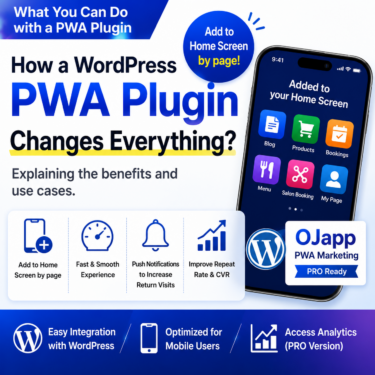

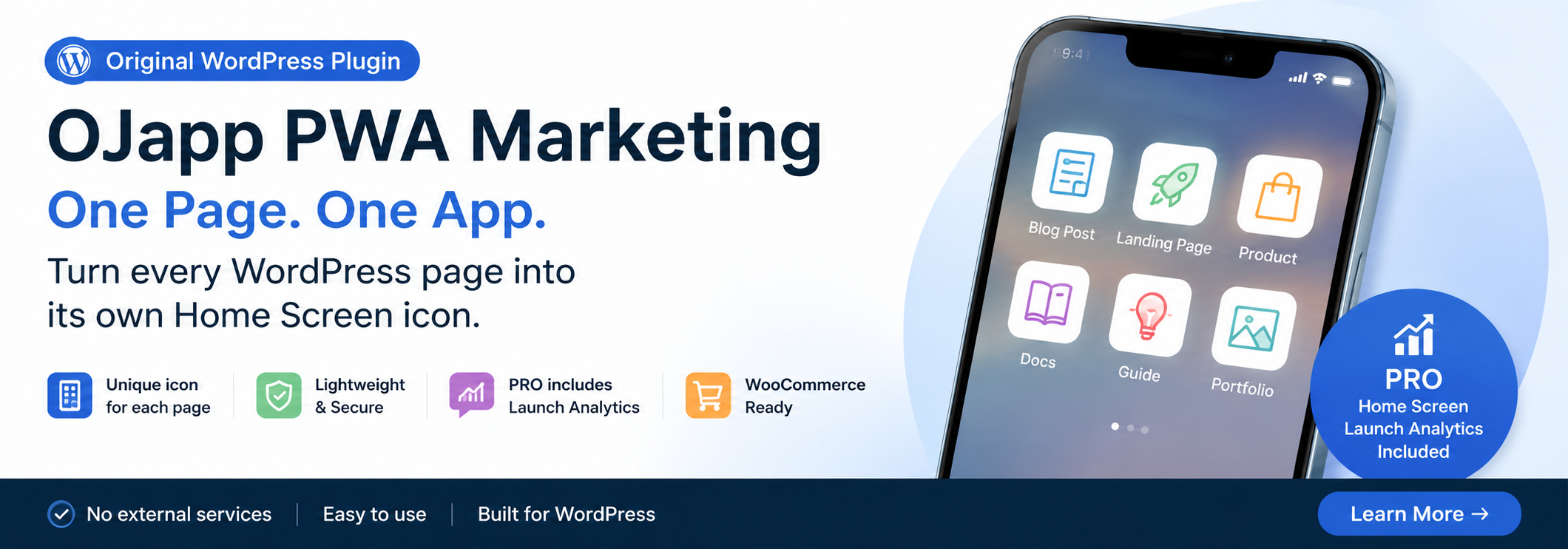
This site uses the original WordPress plugin OJapp PWA Marketing.
Each article can be added to your Home Screen with its own dedicated icon.
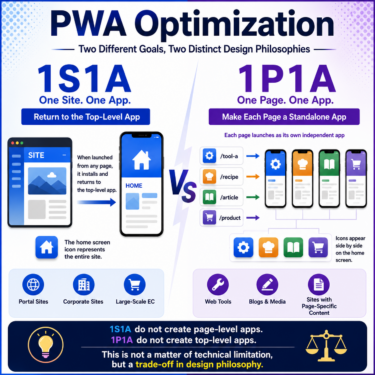
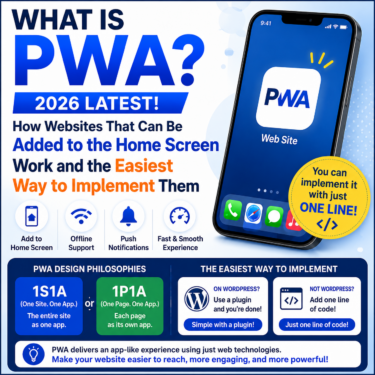
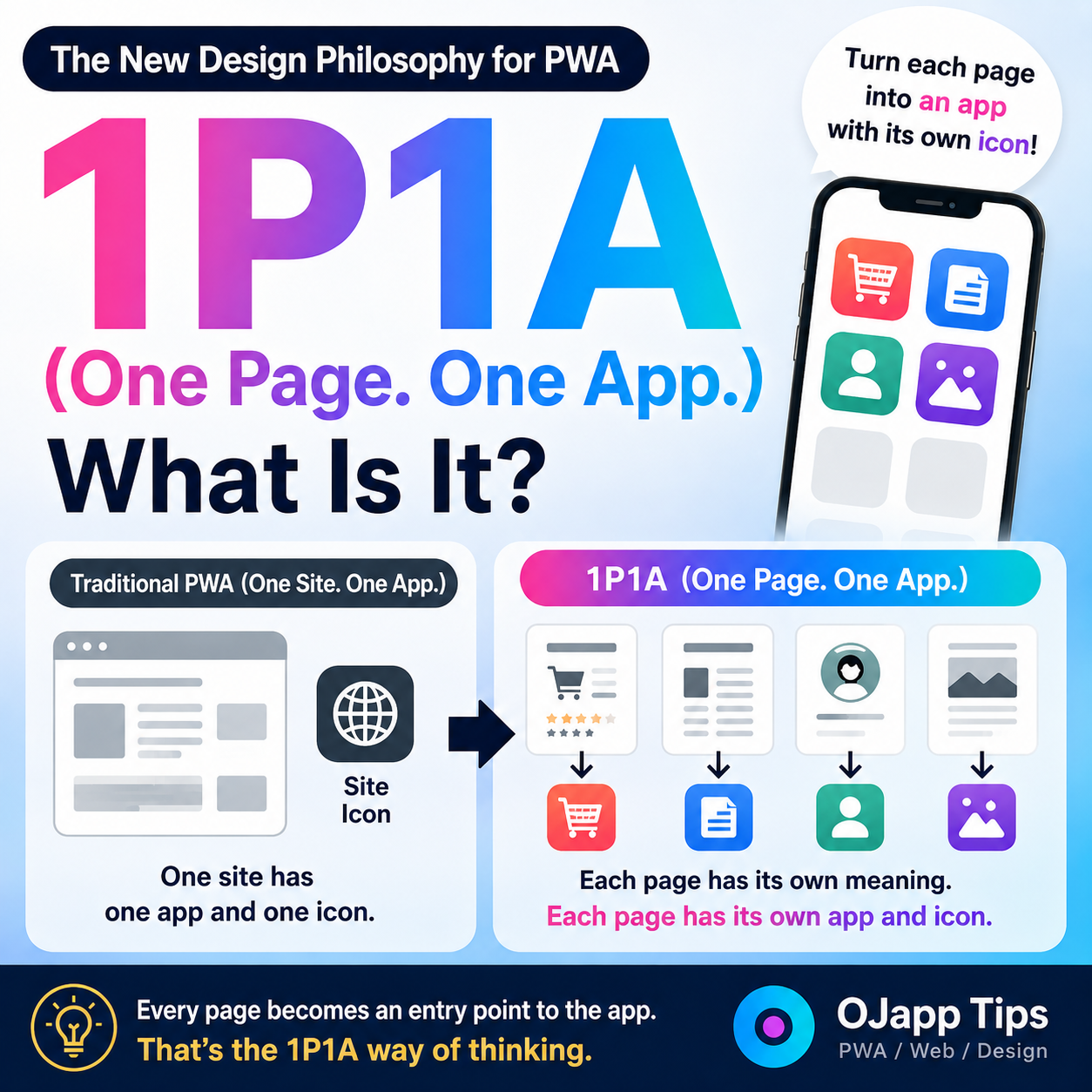
PWAs generally treat one website as one app.
When a user adds the site to their home screen, an icon representing the entire website is created. Tapping that icon launches the website.
I think of this as a:
1 Site. 1 App.
design model.
Of course, this is currently the most common approach to PWA design.
What Is 1P1A?
1P1A (One Page. One App.) is the idea of designing:
one page as one app.
What gets added to the home screen is not the website itself.
It is the page itself.
For example:
- Product pages
- Blog posts
- Profile pages
- Digital business cards
- Landing pages
Each of these can be added to the home screen as an independent app.
Each Page Has Its Own Icon
With a traditional PWA, the structure looks something like this:
Website
└── Site icon
With 1P1A, it looks more like this:
Product page
└── Product image

Article
└── Featured image

Profile
└── Profile image
In other words, each page uses an icon that represents the meaning of that specific page.
Just by looking at the home screen, users can immediately tell which page each icon represents.
 PWAs Can Do This: How to Add User-Specific Pages to the Home Screen
The Launch URL Is Also Page-Specific
With 1P1A, the URL that opens when the app is launched is also controlled on a page-by-page basis.
That means:
Add a product page → that product page opens directly.
Add a blog post → that article opens directly.
Add a profile → that profile opens directly.
Instead of using the home screen icon as the “front door” to an entire website, 1P1A treats it as a dedicated entry point that takes the user directly to specific content.
“But how is that different from a normal bookmark or shortcut?”
That may be what you’re thinking. After all, using a browser’s “Add to Home Screen” feature makes this sound like something that should already be possible.
However, with the traditional PWA model — 1 Site. 1 App. — this has been a major obstacle.
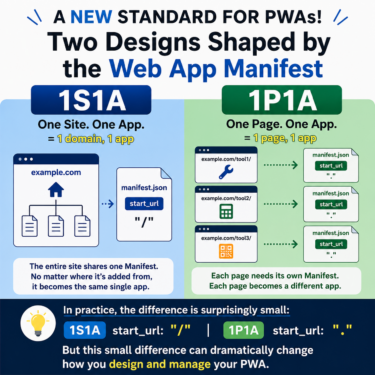
When an entire website is designed as a single app, the PWA configuration file (manifest.json) typically defines the app’s scope like this:
"scope": "https://ojapp.app/"
When the entire domain is defined as one app scope, operating systems such as Android may determine that “the app for this domain is already installed.”
As a result, even if you try to add two different pages such as:
`https://ojapp.app/petal`
`https://ojapp.app/pastcamera`
separately to the home screen, the OS may refuse and instead display something like:
“This app is already installed. Would you like to open the app?”
In other words, you may not be allowed to install those pages as separate apps with separate icons.
1P1A breaks away from this conventional “one website = one app” assumption and instead provides an independent experience and icon for each individual page.
1P1A Is a New Way to Use PWA Technology
1P1A does not introduce a new PWA technology or specification.
It is a design philosophy for how existing PWA technologies can be understood and used.
Instead of containing an entire website inside one large app, it allows each individual page to exist as its own independent app.
I call this concept:
1P1A (One Page. One App.)
I believe this approach can be applied to many types of web services in the future, including articles, e-commerce products, profiles, digital business cards, and more.