
This site uses the original WordPress plugin OJapp PWA Marketing.
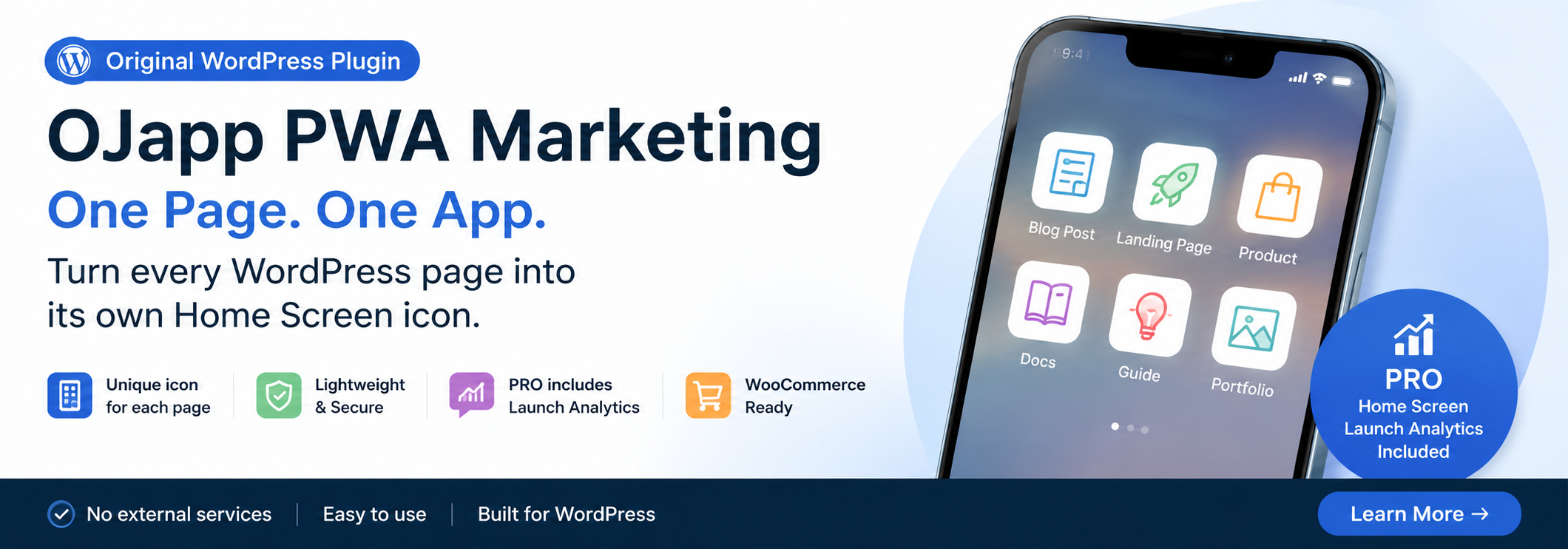
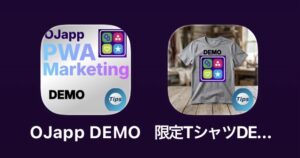
Each article can be added to your Home Screen with its own dedicated icon.
SEO, social media, advertising, email.
Traditional web marketing has primarily focused on bringing users to a website.
Of course, that is still important.
But once a visitor closes the browser, their connection with the website is temporarily lost.
To return, they need to take another action, such as:
- Search for the site again
- Find a bookmark
- Open a social media platform
- Remember the URL
I believe there is another option.
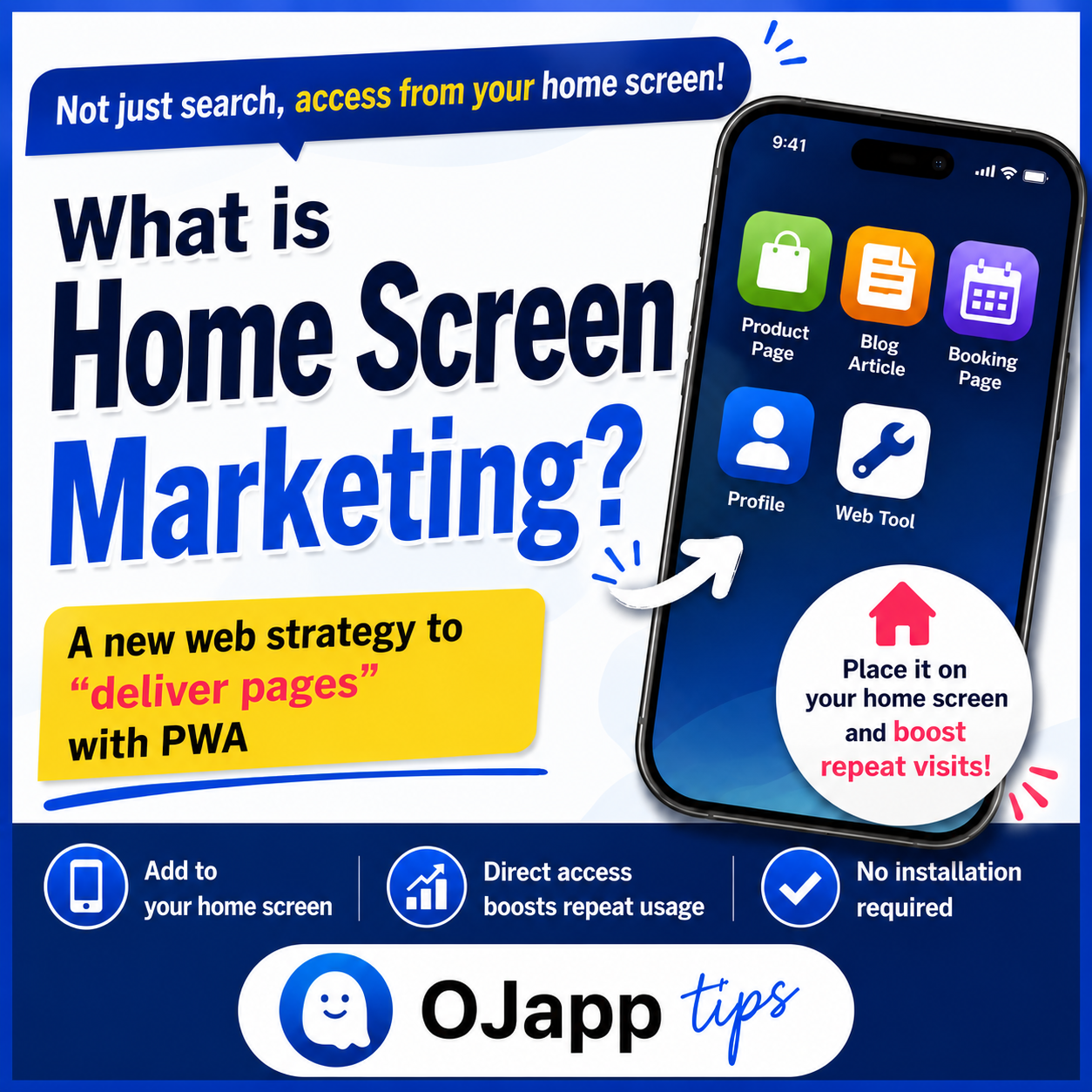
I call it Home Screen Marketing.
- 1 The Home Screen Is One of the Most Visible Places
- 2 Deliver the “Page,” Not the Website
- 3 The Home Screen Becomes a New Entry Point
- 4 Each Page Can Have Its Own Icon
- 5 Analyze Traffic from the Home Screen
- 6 What Types of Websites Are a Good Fit for Home Screen Marketing?
- 7 How OJapp Thinks About PWA
- 8 What to Read Next
- 9 Conclusion
The Home Screen Is One of the Most Visible Places
What screen do people see most often on their smartphones?
Social media?
The browser?
No.
It is the home screen.
It appears every time you open an app and may be seen dozens of times every day.
And yet, most websites make almost no use of this space.
Deliver the “Page,” Not the Website
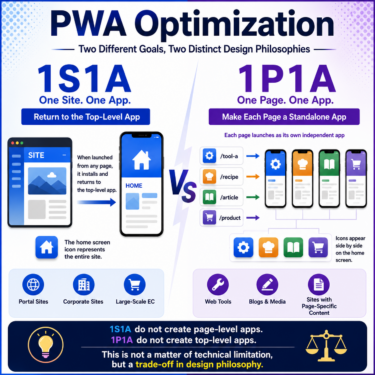
Traditional PWAs generally add an entire website to the home screen as a single app.
For example, an e-commerce site might create one icon:
Shop
But the page a user repeatedly visits may not actually be the shop’s homepage.
It could be:
- A favorite product
- An article they frequently read
- A booking page
- A members-only page
- A web tool
In other words, it is often a specific page.
That led me to think differently.
Instead of:
“Deliver the website.”
I started thinking:
“Deliver the page.”
 PWAs Can Do This: How to Add User-Specific Pages to the Home Screen
The Home Screen Becomes a New Entry Point
For a blog, the home screen could contain a favorite article.
For an e-commerce site:
A product the user wants to buy someday.
A product they purchase every month.
For a restaurant:
The lunch menu or booking page.
For a salon:
The reservation page.
For a SaaS product:
The dashboard.
Users can open those specific pages directly from their home screen.
In other words, your content can exist in a place that is even closer to the user than search results.
Each Page Can Have Its Own Icon
If individual pages can be added to the home screen, their icons can also be different.
For example:
- Product images
- Featured images
- Brand colors
- Service logos
Each icon can represent the content of its specific page.
Instead of seeing multiple identical website icons on the home screen, users see icons that each have their own meaning.
This is an approach that has rarely been associated with traditional PWAs.
Analyze Traffic from the Home Screen
Even if users add pages to their home screens, you cannot improve the experience if you do not know whether those pages are actually being used.
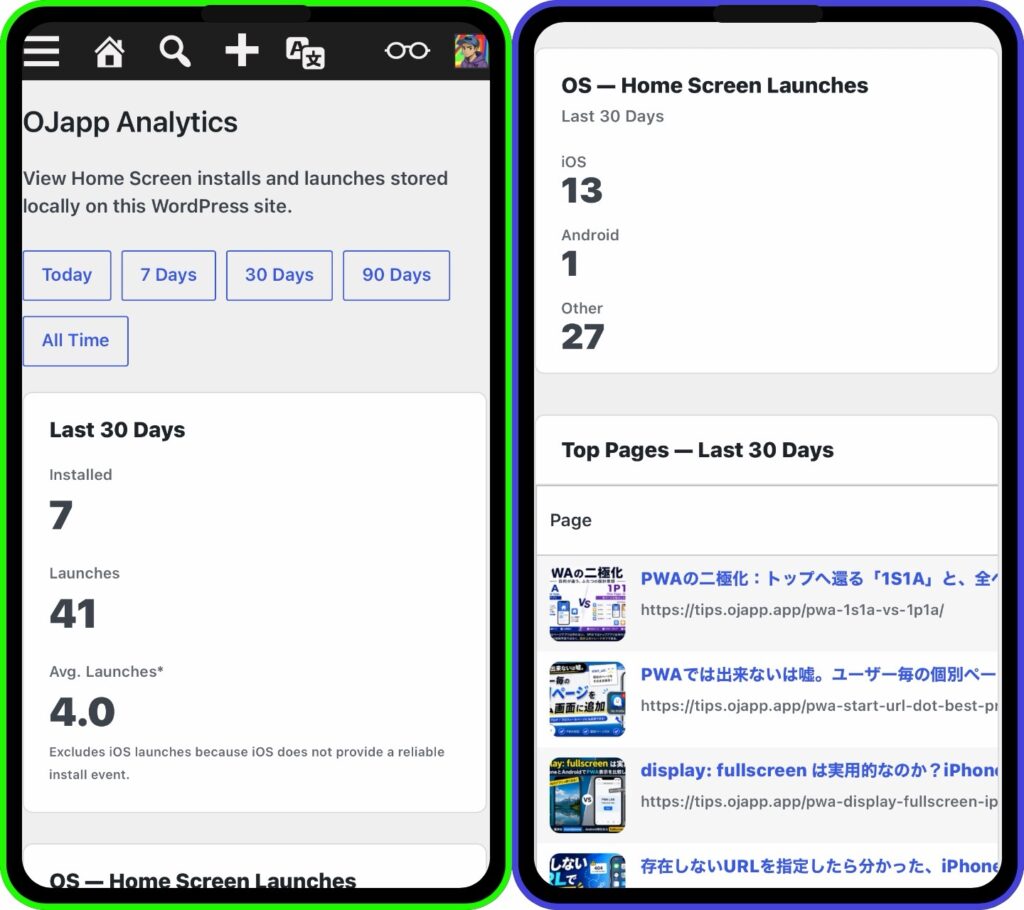
That is why OJapp PWA Marketing PRO allows you to track data such as:
- Number of home screen additions
- Number of launches from the home screen
- Usage by operating system
- Usage by page
This provides a perspective that has traditionally been difficult to understand through Google Analytics alone:
“Which pages are actually being used from the home screen?”
What Types of Websites Are a Good Fit for Home Screen Marketing?
I believe Home Screen Marketing works particularly well with:
pages that users open repeatedly.
For example:
- Blogs
- Product pages
- Web tools
- Digital business cards
- Member pages
- Coupon pages
- Event pages
- Landing pages
- Booking pages
The more value an individual page has on its own, the more useful this approach can become.
How OJapp Thinks About PWA
For a long time, PWAs have been described as:
“Technology that makes websites look and behave like apps.”
But I believe PWAs can be more than that.
They can deliver the pages users need directly to one of the most familiar places on a smartphone:
the home screen.
Using that capability as part of a marketing strategy is what I call:
Home Screen Marketing.
What to Read Next
The idea of Home Screen Marketing comes from a design philosophy that treats individual pages as apps.
I explain that concept in more detail here:
And if you want to see how 1P1A can be implemented on WordPress:
Conclusion
Home Screen Marketing is not simply about getting users to visit your website.
It is about:
delivering the page itself to the user’s home screen.
It creates a new point of connection that search rankings and social media alone cannot provide.
That is the idea behind the Home Screen Marketing experience OJapp is building.