

This site uses the original WordPress plugin OJapp PWA Marketing.
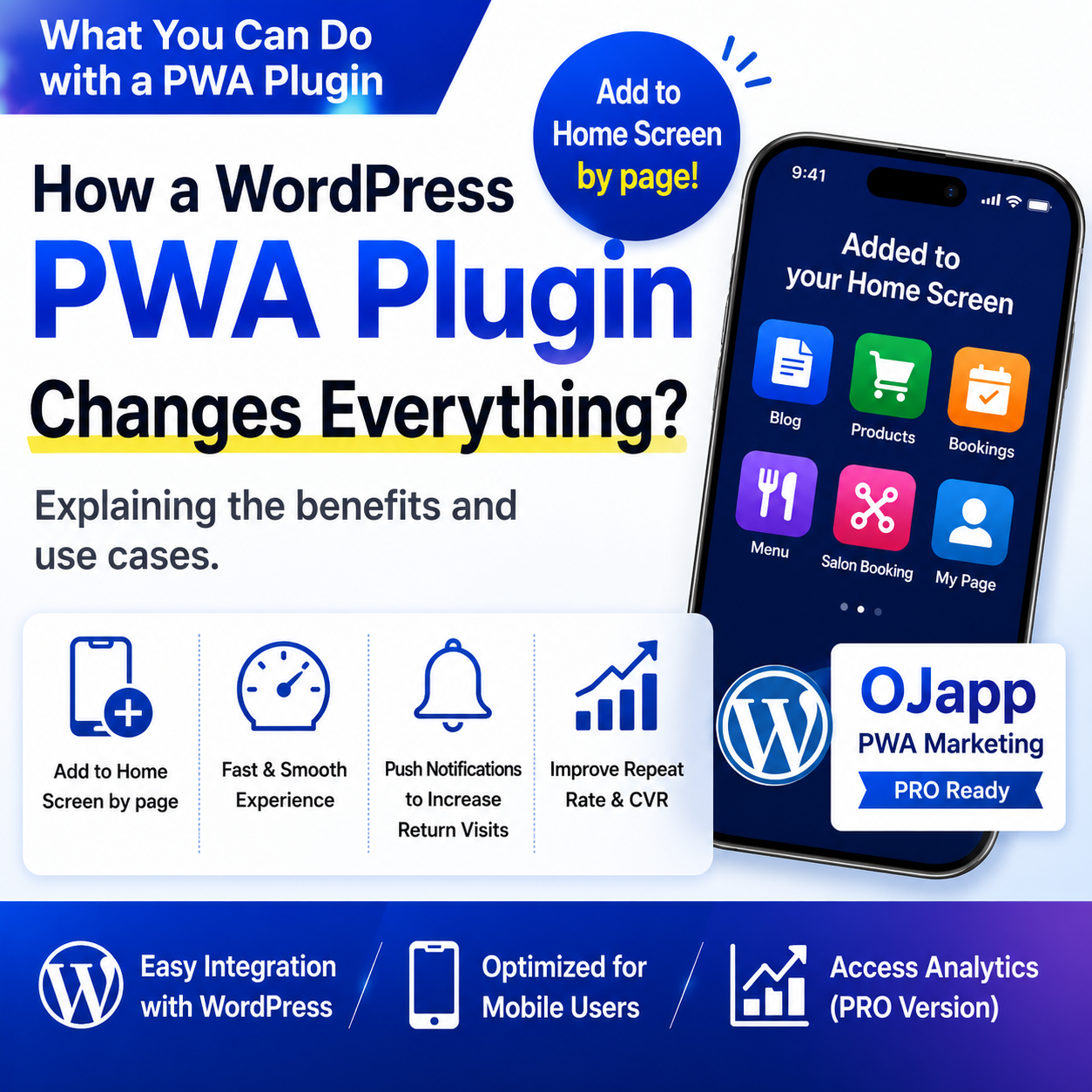
Each article can be added to your Home Screen with its own dedicated icon.
You may have heard the term PWA (Progressive Web Apps), but have you ever wondered:
“What can a PWA actually do for a WordPress site?”
PWA plugins for WordPress have become increasingly common in recent years.
However, there still aren’t many articles that clearly explain the real benefits of using one, or what types of websites can benefit from PWA functionality.
In this article, I’ll explain what PWA plugins can do, how they can be used in real-world WordPress sites, and why I developed OJapp PWA Marketing.
- 1 What Is a PWA Plugin?
- 2 Traditional WordPress PWA Plugins vs. OJapp PWA Marketing
- 3 OJapp PWA Marketing Thinks in Pages, Not Entire Sites
- 4 What Changes When a Page Can Be Added to the Home Screen?
- 5 How Could This Affect Marketing?
- 6 Home Screen Access Analytics: GA4 Integration and a Dedicated Dashboard
- 7 Why I Built OJapp PWA Marketing
- 8 A New Navigation Path for WordPress Sites
What Is a PWA Plugin?
A PWA plugin is a plugin that adds Progressive Web App features to a WordPress site.
Once installed, it can make it easier to add features such as:
- Add to Home Screen
- App-like display
- Home screen icons
- Automatic
manifest.jsongeneration
Traditionally, many of these settings had to be configured manually.
With a PWA plugin, much of that setup can be handled automatically.
Traditional WordPress PWA Plugins vs. OJapp PWA Marketing
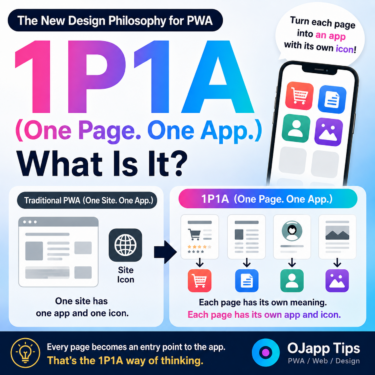
Traditional PWAs are generally based on one idea:
Turn the entire website into a single app.
For example, on a blog, even if a user adds the site to their home screen while reading an individual article, the installed PWA will often start from the top page.
This design works very well for corporate websites, portal sites, and services where the entire site should behave as one application.
However, many traditional WordPress PWA plugins expose the underlying PWA settings directly, which can make them difficult for beginners.
| Comparison | Traditional PWA Plugins | OJapp PWA Marketing |
|---|---|---|
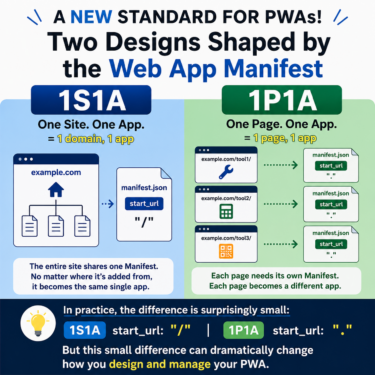
| Basic design | One site as one app | One page as one app |
| Icon | Shared across the site | Automatically generated per page |
| Launch page | Usually the top page | Opens the page that was added |
| Setup | Requires knowledge of manifest, Service Worker, and other PWA concepts | Automatically configured when publishing content |
| Icon image | Often prepared manually | Automatically generated from the featured image |
| Home Screen Marketing | Not usually considered | Designed to encourage repeat visits at the page level |
Because of this, even if someone simply wants to enable PWA functionality, they may need to understand technical terms such as:
manifest.jsonService Workerscopestart_urldisplay
For beginners, that can feel like a fairly high barrier.
OJapp PWA Marketing is designed so that WordPress posts and pages can be added directly to the home screen without requiring users to think about those settings.
 iOS and Android Have Different Goals for PWAs: The Real Difference Beyond Support or No Support
OJapp PWA Marketing Thinks in Pages, Not Entire Sites
The plugin I developed, OJapp PWA Marketing, uses a slightly different approach.
For example:
- Blog posts
- Static pages
- WooCommerce product pages
can each be added to the home screen individually.
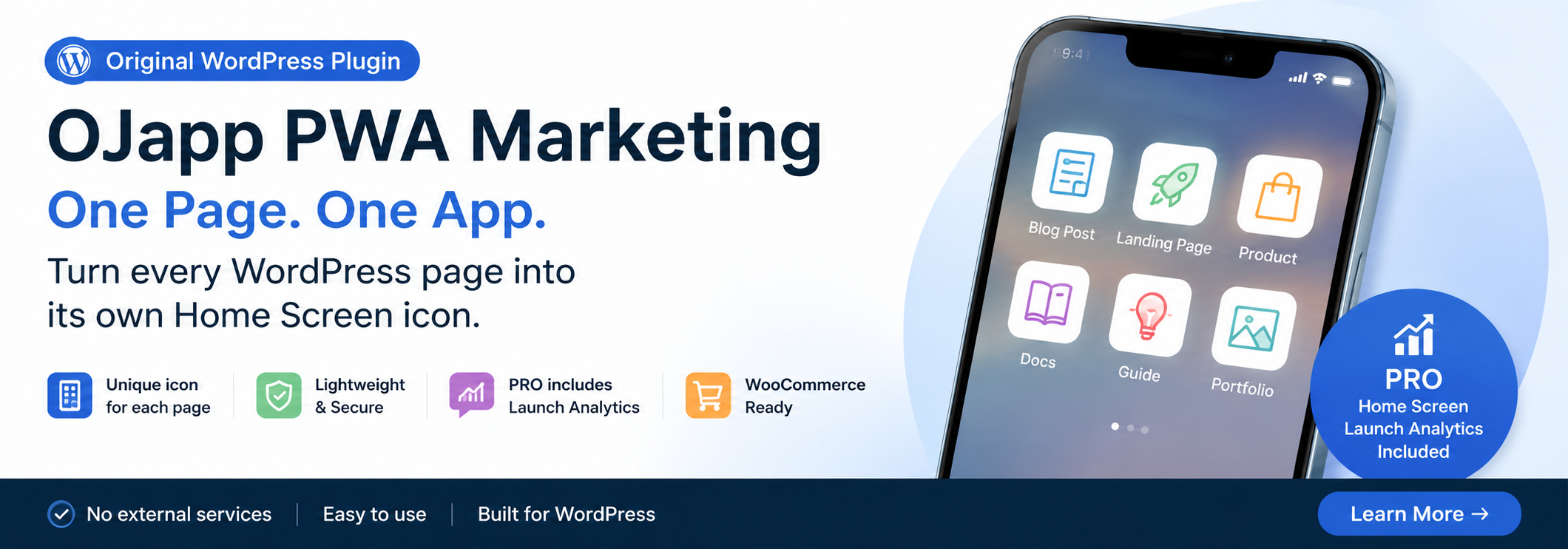
In other words, a favorite article or product page can be placed directly on the home screen.
I call this design concept:
One Page. One App.
Related article:
PWA Is Splitting in Two: “1S1A” Returns to the Top, While “1P1A” Turns Every Page into an App
What Changes When a Page Can Be Added to the Home Screen?
The answer depends on the type of website.
Blogs
Users can add their favorite articles directly to the home screen.
They no longer need to search for the article again and can quickly return to content they want to reread.
E-commerce Sites
Users can add product pages they are interested in to the home screen.
This makes it easier to return to products they may want to buy later or compare with other products.
Restaurants
Lunch menus or takeout pages can be placed directly on the home screen.
Pages that customers use repeatedly are especially well suited to this approach.
Hair Salons and Beauty Businesses
Reservation pages can be added to the home screen.
This also reduces the need to search repeatedly for phone numbers, opening hours, or booking pages.
SaaS and Membership Sites
Login pages and dashboards can be added directly to the home screen.
The more frequently a service is used, the more useful this type of shortcut can become.
How Could This Affect Marketing?
This is still a developing area, but I think it has a very interesting potential.
When a page is added to the home screen, it is no longer placed only in:
search results,
browser bookmarks,
or browsing history.
It appears on the smartphone home screen.
That means users gain another route for returning to the page.
Of course, simply appearing on the home screen does not automatically improve CVR (conversion rate).
Conversion is affected by many factors:
product appeal,
pricing,
navigation,
design,
and much more.
However, placing a page somewhere users see every day may create more opportunities for repeat visits.
I call this idea:
Home Screen Marketing.
Home Screen Access Analytics: GA4 Integration and a Dedicated Dashboard
“You made the site addable to the home screen, but is anyone actually using it?”
With many conventional PWA plugins, the practical option is often to add UTM parameters such as ?utm_source=pwa to the launch URL and roughly measure traffic in GA4.
But that alone does not tell you some of the things you may really want to know, such as:
- How many times the page was added to the home screen
- How often users launch it afterward
- Which operating systems are being used
- Which pages or products are added most often
OJapp PWA Marketing therefore includes more detailed measurement features in the PRO version.
1. A Dedicated Dashboard Inside WordPress
You do not need to open GA4 and build complicated custom reports.
The WordPress admin dashboard can show data such as:
- Number of Home Screen additions
- Number of launches from the Home Screen
- OS distribution, including iOS and Android
- Which pages or products are most frequently placed on the Home Screen
2. Automatic Custom Events for GA4
Instead of relying only on UTM parameters, OJapp PWA Marketing can automatically send dedicated custom events such as:
ojapp_pwa_launch
and
ojapp_pwa_installed
to GA4.
OS information can also be recorded with these events, making it possible to analyze how users who return from the home screen contribute to conversions inside your normal GA4 reports.
The goal is not simply to “make the site a PWA and stop there.”
You can use the data to understand which product pages or content users are most likely to keep on their home screens, and then use that information to improve the site and future marketing decisions.
Why I Built OJapp PWA Marketing
At first, I was thinking about PWAs in the conventional way:
Turn the entire site into an app.
But after repeatedly testing PWA behavior, I noticed something.
On real websites, the value often exists not in the whole site, but in individual pages themselves.
For example:
- A favorite article
- A product someone checks repeatedly
- A booking page
- A web tool
In many cases, users do not necessarily want the entire website on their home screen.
They want that specific page.
That realization led me to build OJapp PWA Marketing as a WordPress plugin that allows individual pages to become home screen entries.
A New Navigation Path for WordPress Sites
PWA is not simply a technology for making websites “look like apps.”
It can also be a way to deliver web pages to a place users see every day:
their home screen.
Articles.
Products.
Reservation pages.
Service pages.
When we start thinking at the page level instead of only at the website level, new ways of using websites may become possible.
If you are considering adding PWA functionality to WordPress, try OJapp PWA Marketing.
View OJapp PWA Marketing on WordPress.org