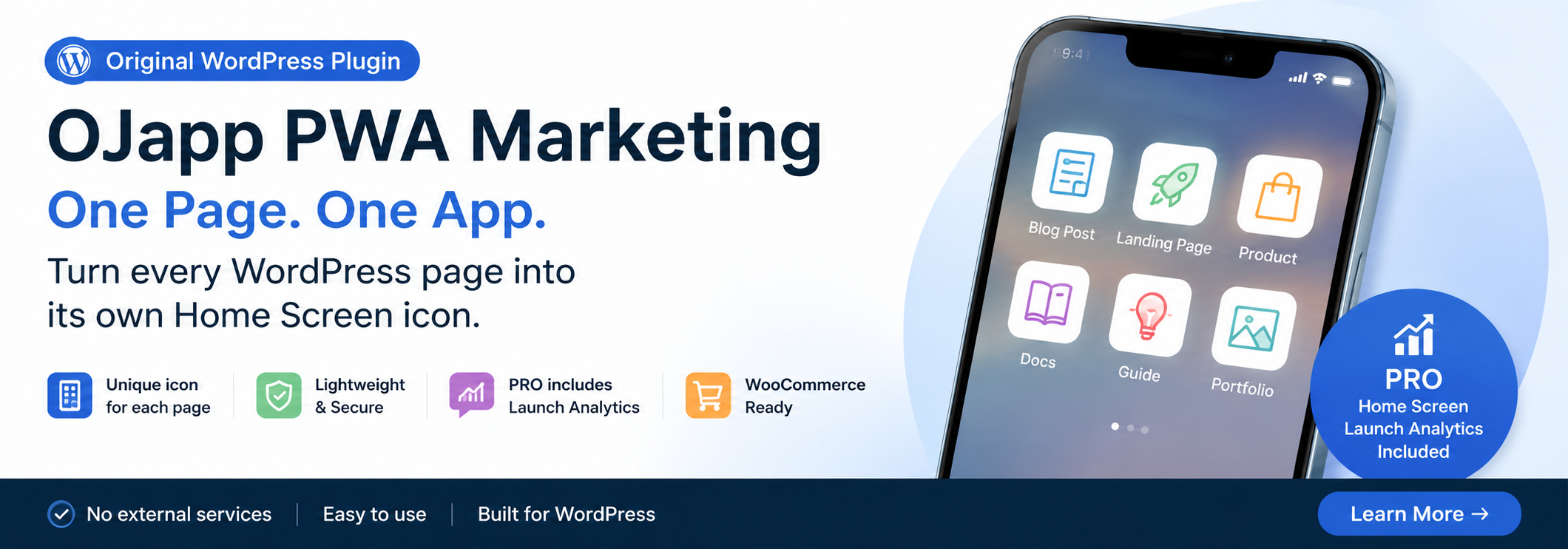
This site uses the original WordPress plugin OJapp PWA Marketing.
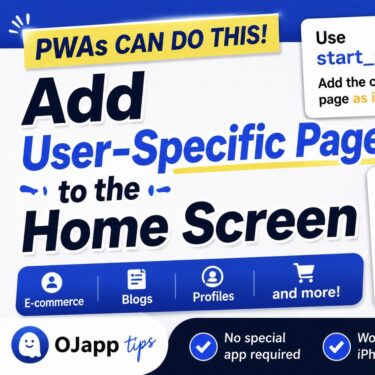
Each article can be added to your Home Screen with its own dedicated icon.
You want users to add individual profile pages or product pages to the home screen as PWAs.
When developers think about this, many of them try to put a user ID or product ID directly into start_url.
That was my first idea too.
But after repeatedly testing different patterns in PWA LAB, I realized there was a much simpler and more flexible approach.
It also follows MDN’s privacy guidance more closely.
You should avoid putting user IDs in start_url
In a PWA, start_url defines the page that opens when the app is launched from the home screen.
For example, if you want to add a profile page to the home screen, you may be tempted to write something like this:
{
 "start_url": "/user/123"
}
At first glance, this does not look like a problem.
However, MDN recommends avoiding uniquely identifying information, such as user IDs, inside start_url.
The reason is privacy.
Even after browser data has been deleted, information stored in an installed PWA could potentially be used to identify a user.
For that reason, it is generally better to use a fixed value or a relative path for start_url whenever possible.
The problem with the common implementation
Many sites use a configuration like this:
{
 "start_url": "/"
}
This works correctly.
The problem is that no matter which page the user adds to the home screen, launching the PWA always sends them back to the top page.
For example:
- A blog article
- An e-commerce product page
- A user profile
- A specific documentation page
If the user adds a specific page to the home screen but is sent back to the top page every time, the experience is not very useful.
 How to Make a PWA Feel Like a Native App: UX Tips for iPhone and Android
The solution is start_url: “.”
The solution is surprisingly simple.
{
 "start_url": "."
}
That is all you need.
. is treated as a relative path based on the current location.
I tested several patterns in PWA LAB, and unless there is a specific reason to force another page, this produced the most natural behavior.
With this setting:
- Added from an article page → launches from that article page
- Added from a product page → launches from that product page
- Added from a profile page → launches from that profile page
In other words:
The page added to the home screen becomes the entrance itself.
From a PWA user experience perspective, this feels much more intuitive.
It also works well with dynamically generated manifests
This approach is also a strong fit when manifest.json is generated dynamically for each user.
For example:
{
 "name": "Example",
 "start_url": "."
}
With this setup, there is no need to embed a user ID inside start_url.
As a result, you get a design that:
- Does not include information that identifies the user
- Opens the currently displayed page directly
- Remains flexible even if the URL structure changes
In practice, this approach was also very easy to handle in a system like Petal, where each user page can be added to the home screen.
This can also be used for e-commerce sites and blogs
This method is not limited to profile pages.
It can be used for cases such as:
- Adding a blog article to the home screen
- Adding an e-commerce product page to the home screen
- Adding a specific documentation page to the home screen
- Adding an event page to the home screen
In other words, it works whenever you want the page currently being viewed to become the app-like entrance.
Many services fix start_url to the top page, which means users are sent back to the top every time they launch the home screen icon.
Using start_url: "." removes that awkwardness.
Important: id and scope also matter on Android
Using start_url: "." allows the PWA to launch from the current page.
However, if you want users to add multiple PWAs for different users, products, or pages, you also need to think carefully about id and scope on Android.
For example, imagine adding both of these pages to the home screen:
- User A’s page
- User B’s page
Even though they are different pages, Android may treat them as the same app if they share the same id or use a scope that is too broad.
This can cause behavior such as:
- The second install option does not appear
- The browser decides the app is already installed
- Different pages are grouped into the same app
I spent a lot of time on this problem while testing in PWA LAB.
Eventually, I learned that it is not enough to think only about start_url. You need to design the entire app identity, including id and scope.
I explain the full testing results in another article about why I serve different manifests to Android and iPhone.
Summary
You do not need to put a user ID or product ID inside start_url.
{
 "start_url": "."
}
With this setting, the PWA can launch from the page currently being viewed.
It improves the user experience while also following MDN’s privacy guidance more closely.
If the user wants to place not the entire site, but one specific page on the home screen, this approach is worth trying first.
Based on my testing in PWA LAB, start_url: "." is the easiest pattern to work with unless there is a clear reason to use something else, and I plan to keep using it as the default approach.

Add OJapp Tips as a preferred source on Google
Make it easier to find OJapp Tips articles in Google Search.