
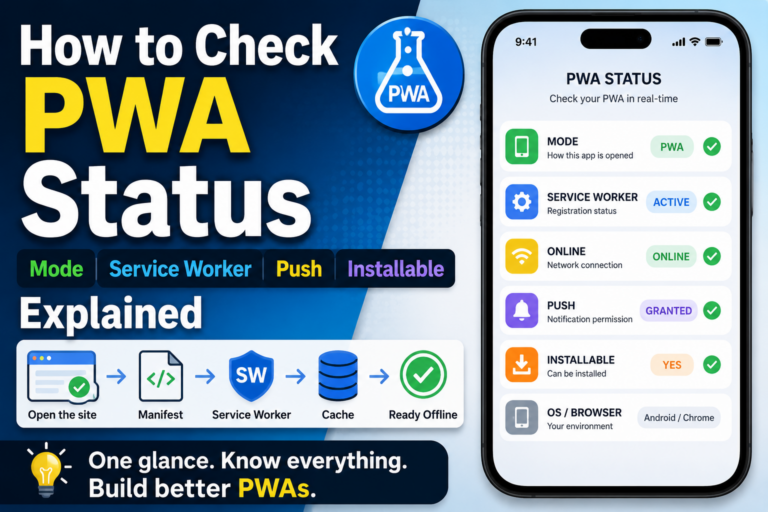
How to Check PWA Status: Mode, Service Worker, Push, and Installable Explained
How to Check PWA Status: Mode, Service Worker, Push, and Installable Explained A PWA can be hard to understand if you only look at the page When you build a PWA, it can be surprisingly hard to tell whether it is actually working as a PWA. You may have written manifest.json, registered a Service Worker, and made the site addable to the home screen. But then you still wonder: is this really running as a PWA? Is the page opened as a normal website? Is it opened from the home screen in standalone mode? Is the Service Worker active? Is the browser treating it as installable? These things are not always obvious from the visual appearance alone. That is why I made a page called PWA LAB in OJapp. It is a simple experiment page for checking PWA status directly. In this article, I will use the status items shown in PWA LAB as examples and explain what to check when testing a PWA. MODE: is the page currently opened as a PWA? MODE shows whether the page is currently […]
