Most people assume that mobile apps are built with complex programming languages and advanced frameworks. But the reality is that a large number of paid apps are simply Web pages wrapped inside an app shell.
In other words, many apps in the App Store and Google Play are made with ordinary HTML, CSS, and JavaScript—displayed inside a WebView.
Why Are So Many Apps “Web on the Inside”?
Mobile apps can use a component called a WebView, which is basically a mini-browser inside the app.
When developers use WebView, the app behaves like this:
- The entire UI is just a Web page
- Buttons and interactions are done with JavaScript
- Saving data relies on Web mechanisms (localStorage, APIs, etc.)
So even though the app icon looks official, the inside is often just a website.
Examples of Apps Commonly Built with WebView
Surprisingly, these categories are often Web-based:
- Fortune-telling / horoscope apps
- Note-taking or journal apps
- Simple tool apps (counters, calculators, timers)
- Content viewer apps (blogs, videos, checklists)
- Reference databases or info apps
All of these can run perfectly well with HTML, CSS, and JavaScript—no native code required.
So What’s the Difference from True Native Apps?
A fully native app uses languages like Swift, Kotlin, or C++ and can access deeper system functions such as:
- Camera control
- Sensors
- Real-time graphics (games)
- Bluetooth & hardware access
But simple paid apps often follow this structure:
- UI → HTML/CSS
- Logic → JavaScript
- Data → Web APIs or localStorage
- App store presence → Just the wrapper + icon
If you can build a Web tool, you can build an app-level experience.
Why Developers Turn Web Tools Into Paid Apps
① Being on the App Store adds instant credibility
Even simple tools look premium once they appear in the store.
② Subscriptions are easy to implement
In-app purchases allow effortless monthly billing.
③ Users cannot tell if the inside is Web or native
Most users never notice the difference.
Web Tools Can Deliver an App-Like Experience
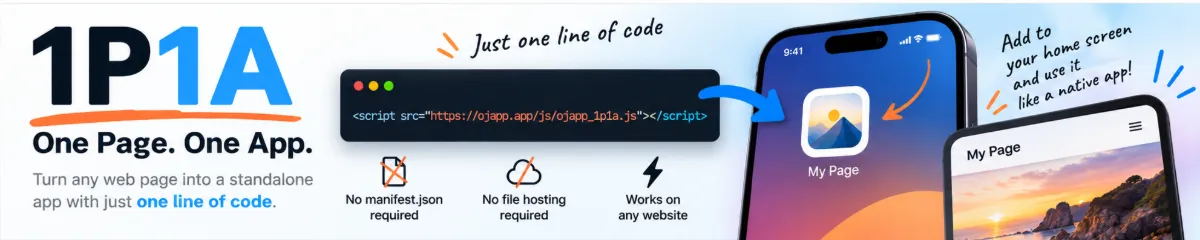
Modern Web tech allows Web tools to look and feel just like real apps. Using PWA technology, users can:
- Add the app to their home screen
- Launch it in full-screen mode
- Use it offline (depending on implementation)
Examples: OJapp, PastCamera, OJ-Pass
These tools behave like mobile apps despite being entirely Web-based.
Conclusion: Apps Aren’t as “Complex” as People Think
- Many paid apps are just Web pages wrapped in an app shell
- WebView makes it easy to ship simple apps quickly
- If you can build a Web tool, you can build an app-like product
- PWA makes app distribution possible without app stores
The idea that “apps are difficult” is outdated. The modern reality is simple: Web development alone can create app-level experiences.