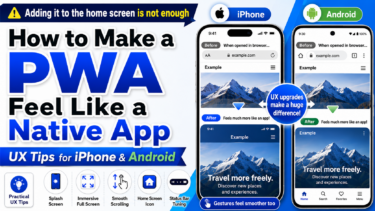
Progressive Web Apps (PWAs) are designed to make websites behave like native apps.
However, on iPhone (Safari), PWA functionality is significantly limited.
In this guide, we clearly explain what still works and what doesn’t in Safari as of 2026.
Why Is PWA Limited on Safari?
Safari has never fully supported PWAs compared to browsers like Chrome.
After 2024, Apple introduced changes that further restricted PWA functionality.
As a result, PWAs on iPhone are no longer reliable as a full app-like solution.

What Works on Safari
Despite the limitations, some features still work:
- Add to Home Screen (WebClip)
- Basic website rendering
- Light caching behavior
- Standard HTML, CSS, and JavaScript
In short, Safari still supports normal web usage.
👉 Home Screen Customization in 2026: How iOS Evolved and What Users Want Now
What Doesn’t Work Properly
Many core PWA features are limited or unstable:
- Reliable Service Worker behavior
- Full offline functionality
- True standalone app mode
- Consistent manifest support
- Stable cache control
These limitations make PWAs unreliable on iOS.
The Reality: WebClip Instead of Full PWA
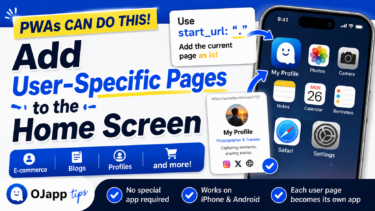
On iPhone, “Add to Home Screen” creates a WebClip, not a full PWA.
- Opens in Safari
- No real offline support
- No full app experience
This is the most stable and realistic approach on iOS today.
When Should You Use PWA?
Recommended
- Android-focused apps
- Web tools or dashboards
- Offline-first applications
Not Recommended
- iPhone-heavy audiences
- Beginner-focused services
- Stability-critical products
If your users are mainly on iPhone,
PWA should not be your primary approach.
Summary
- Safari limits PWA functionality
- Basic web features still work
- App-like features are mostly restricted
- WebClip is the practical alternative
- PWA is not reliable on iOS in 2026
Understanding these limitations helps you design better, more stable web experiences.
FAQ (Frequently Asked Questions)
Is PWA completely disabled on Safari?
No. Some features still work, but many core capabilities are limited or unstable.
Can I still add a PWA to the home screen?
Yes, but it will behave as a WebClip, not a full PWA.
Does PWA work better on Android?
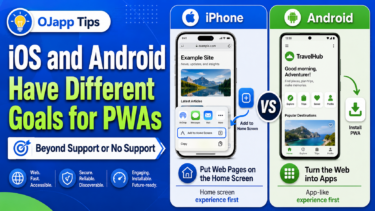
Yes. Android browsers (especially Chrome) provide much better PWA support.
Should I stop using PWA?
Not entirely. But for iPhone users, you should not rely on it as the main solution.