This site uses the original WordPress plugin OJapp PWA Marketing.
Each article can be added to your Home Screen with its own dedicated icon.
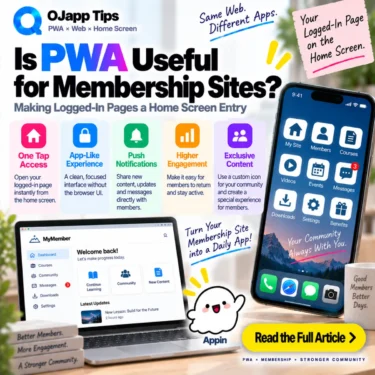
Membership sites are one of the web experiences that can fit PWA particularly well.
The reason is simple: they already have users who are expected to return.
Reservation systems, learning platforms, customer portals, dashboards, and communities are often used repeatedly. In those cases, searching for the website and starting from its public homepage every time may be unnecessary.
Instead of thinking only about turning the membership site into an app, think about putting the user’s regular logged-in entrance on the home screen.
- 1 Membership sites are already designed around return visits
- 2 The home screen can open the account area directly
- 3 A PWA does not bypass authentication
- 4 The experience depends on the site’s authentication design
- 5 Existing members may not need the public homepage every time
- 6 The entire membership service can be one PWA
- 7 Individual member features can also become entrances
- 8 A reservation service could expose “My Reservations” directly
- 9 Learning platforms benefit from a clear “continue” path
- 10 The same model can work for dashboards and internal tools
- 11 Home screen installation does not grant unrestricted permissions
- 12 Be careful with caching authenticated content
- 13 Test what happens after logout
- 14 The UI can also respond to home screen launches
- 15 Explain the benefit instead of saying “Install our PWA”
- 16 Membership sites fit PWA because they are web services people repeatedly use
- 17 The most useful PWA feature may simply be the regular entrance
Membership sites are already designed around return visits
Many ordinary web pages are visited once and never opened again.
A membership service is different.
Once someone creates an account, they usually return to use the service again.
An online learning platform might involve:
Find website
->
Homepage
->
Sign in
->
Dashboard
->
Continue learning
A reservation service might look like:
Find website
->
Sign in
->
Reservations
->
Check or change booking
That is perfectly reasonable on the first visit.
After repeated use, however, it is worth asking whether the public homepage needs to remain the starting point every time.
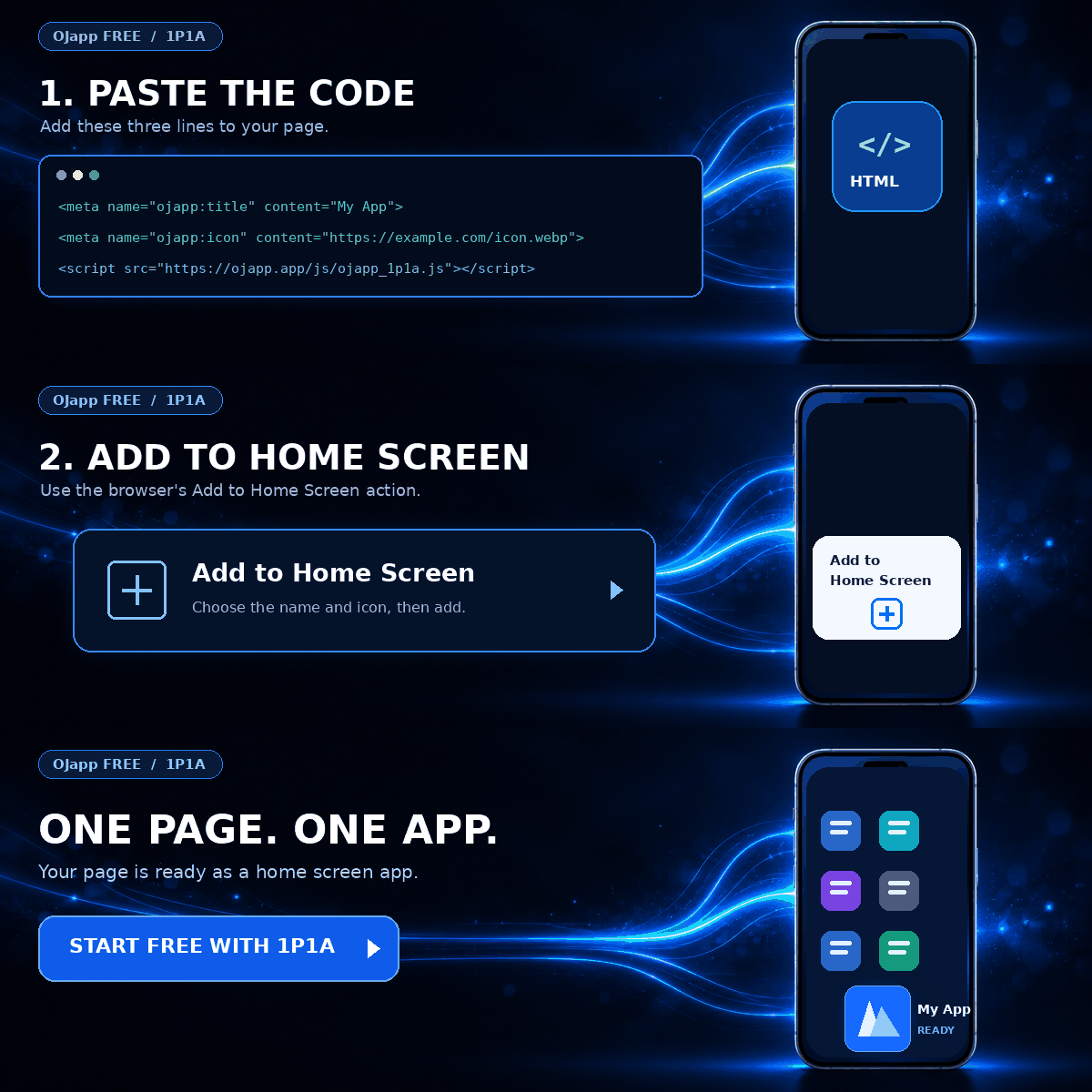
The home screen can open the account area directly
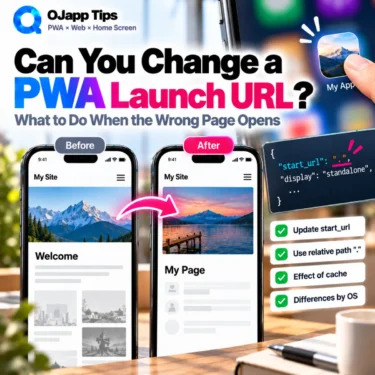
A PWA can define its launch destination with start_url.
If the useful account page is:
https://example.com/mypage/the application can be designed around that destination.
Home screen
->
Membership service icon
->
/mypage/
->
Use the regular features
If an existing member normally wants the dashboard rather than the marketing homepage, that dashboard can become the useful entrance.
I explore launch URL design further in Why start_url: “.” Is So Useful for Page-Level PWAs.
 iOS and Android Have Different Goals for PWAs: The Real Difference Beyond Support or No Support
A PWA does not bypass authentication
This is important.
Giving a member page a home screen entrance does not disable the website’s authentication system.
If the user’s authenticated session is still valid, the service may be able to open the account area in that state.
If the session has expired, cookies are no longer valid, or the service requires reauthentication, the user should still be sent through the normal login process.
Launch from home screen
->
Valid authenticated state
->
Account page

Launch from home screen
->
Authentication required
->
Login page
->
Continue into service after authentication
PWA is not a mechanism for bypassing authentication.
It creates a convenient entrance back to the web service.
The experience depends on the site’s authentication design
How convenient this feels also depends on the membership site’s existing authentication behavior.
If the service requires a full username and password login on every visit, that step still exists after launching from the home screen.
If the service appropriately maintains the authenticated session, the journey can be closer to:
Home screen
->
Dashboard
->
Start using service
That does not mean longer login sessions are always better.
Services handling financial information, sensitive personal data, or high-risk actions may intentionally require reauthentication.
The required security level should take priority over making the PWA feel frictionless.
Existing members may not need the public homepage every time
A public homepage has an important job for new visitors.
It may contain:
- an explanation of the service
- pricing
- registration
- feature descriptions
- frequently asked questions
That information is useful before someone becomes a customer or member.
But an existing user may repeatedly want:
- their dashboard
- reservations
- lessons
- order history
- messages
- account tools
On the normal web, both new and existing users may begin from the same public site.
The home screen can provide an additional entrance designed specifically for repeat users.
The entire membership service can be one PWA
The simplest architecture is to treat the whole service as one PWA.
My Service
->
One home screen icon
->
Launch dashboard
->
Navigate through the service
This is close to the 1S1A model: One Site. One App.
If members use many features as part of one coherent service, this can be the natural architecture.
Individual member features can also become entrances
Another option is to give a frequently used page its own home screen entry.
For example:
/mypage/reservations/
->
“Reservations”

/mypage/messages/
->
“Messages”

/mypage/lessons/
->
“Continue Learning”
If the site generates Manifest information at the page level, these features can also have their own names and icons.
This is the idea behind 1P1A: One Page. One App.
Instead of forcing every useful feature behind one generic site entrance, frequently used URLs can become individual home screen entrances.
A reservation service could expose “My Reservations” directly
Reservation systems are a simple example.
If an existing customer mainly returns to check upcoming bookings, the reservation list may be more useful than the service homepage.
Home screen
->
“My Reservations” icon
->
Reservation list
->
Check date and time
If changing bookings is a frequent task, that workflow can also be made easy to reach.
This feels less like “turning a website into an app” and more like moving a frequently used web function onto the home screen.
Learning platforms benefit from a clear “continue” path
Online learning is another good example.
A returning learner usually does not need to read the service introduction again.
The useful journey may be:
Home screen
->
Learning service
->
Dashboard
->
Continue from last session
If the web application already tracks learning progress, it can guide the authenticated user back to the appropriate content.
The PWA does not create the learning state.
It simply provides a more direct entrance to functionality the web service already has.
The same model can work for dashboards and internal tools
This idea is not limited to consumer membership sites.
It can also apply to internal web tools and business dashboards.
For example:
- time tracking
- sales dashboards
- reservation management
- inventory checks
- daily reports
- customer management
If someone opens the same web page every working day, a home screen or installed PWA entry may be more convenient than repeatedly finding a browser bookmark.
On desktop, the PWA may be launched as an installed web application. On mobile, the entrance can live on the home screen.
Home screen installation does not grant unrestricted permissions
Membership services can handle personal information, so it is reasonable to ask whether installing the site as a PWA gives it additional access to the device.
Simply adding a web application to the home screen does not give it unrestricted access to device data.
Web APIs such as camera, location, and notifications remain subject to browser and operating-system permission models.
Authentication and session security still depend primarily on the web application’s own security architecture.
For a broader explanation, see Is PWA Safe? Security Risks, Permissions, Service Workers, and Web App Differences Explained.
Be careful with caching authenticated content
If a membership service also adds offline behavior, cache design deserves extra care.
A Service Worker can cache pages and resources, but that does not mean every authenticated response should be stored automatically.
On shared devices or services handling sensitive information, persisting user-specific content on the device requires deliberate security and privacy decisions.
In other words:
Membership site becomes a PWA
!=
Cache every member page for offline use
A home screen launch path does not require storing private member data in a Service Worker cache.
Offline functionality should be added separately only when the use case actually needs it and the data can be handled appropriately.
Test what happens after logout
If the home screen launches a member-only URL, the logged-out behavior matters too.
Suppose the launch destination is:
/mypage/An unauthenticated user still must not receive protected account content.
The web application should continue to enforce normal access control:
/mypage/
->
Check authentication
->
Authenticated: show account page
Not authenticated: show login
This is not special PWA logic.
It is the authentication behavior the membership site should already enforce for direct URL access.
The UI can also respond to home screen launches
JavaScript can detect whether a PWA is running in standalone display mode.
That means the service can optionally present a slightly different experience to someone returning through the installed home screen entry.
For example:
- reduce large acquisition-oriented explanations
- move frequently used member features higher
- focus the screen on the dashboard
- show information specifically for home screen users
I explain the detection method in How to Detect If a PWA Was Opened from the Home Screen with display-mode: standalone.
Explain the benefit instead of saying “Install our PWA”
Membership sites also have a natural reason to explain home screen installation.
Instead of:
Install this sitethe service can say:
Next time, open your account directly from your home screen.A reservation service could say:
Check your reservations from the home screen in one tap.A learning platform could say:
Continue learning directly from your home screen next time.The user does not need a technical explanation of PWA.
They need to understand what becomes easier after adding it.
Membership sites fit PWA because they are web services people repeatedly use
Many membership services work perfectly well as web applications.
They can be accessed through URLs, updated on the server, and used without requiring every product update to go through an app-store release.
At the same time, members may use them far more frequently than ordinary web pages.
That combination is interesting:
Keep web distribution
+
Support repeated use
The service remains on the web, while users who return frequently can choose to keep a direct entrance on their own home screen.
The most useful PWA feature may simply be the regular entrance
A membership site does not need to become a huge native-app imitation just because it supports PWA.
Start by asking which page an existing user actually wants to open every time.
The dashboard?
The reservation list?
The current lesson?
An internal management screen?
Giving that URL a persistent home screen entrance can already be useful.
For membership sites, it can be more productive to think about PWA as a way to create a direct entrance back to the user’s regular page rather than simply as a way to “turn the site into an app.”

Add OJapp Tips as a preferred source on Google
Make it easier to find OJapp Tips articles in Google Search.