This site uses the original WordPress plugin OJapp PWA Marketing.
Each article can be added to your Home Screen with its own dedicated icon.
I think web tools are one of the most natural use cases for PWAs.
The reason is simple.
The more useful a tool is, the more often you tend to use it.
Timers, calculators, image converters, password generators, and text utilities can all work perfectly well in a browser. But repeatedly searching for the same tool or finding its URL becomes unnecessary friction.
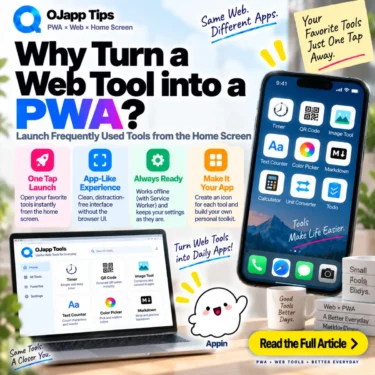
Put that web tool on the home screen, and a page reached through a URL becomes something you can launch with one tap whenever you need it.
- 1 The weakness of a web tool often appears on the second visit
- 2 The home screen removes the need to find the website again
- 3 Small tools used repeatedly are especially good candidates
- 4 I use this model in my own web tools
- 5 Web tools fit the space between a webpage and an app-store product
- 6 PWA does not magically increase the tool’s capabilities
- 7 Tools that can run locally are an especially strong fit
- 8 Offline support is still optional
- 9 1P1A works well when one website contains several tools
- 10 You can even turn a configured tool state into an app entry
- 11 The developer does not have to define every possible app
- 12 Frequency is a better test than “Can this be a PWA?”
- 13 Web tools are a natural place for lightweight app experiences
The weakness of a web tool often appears on the second visit
One of the biggest advantages of a web tool is that the first visit is easy.
Search
->
Open tool
->
Use it
There is no app-store installation step before trying it.
But once you like the tool and start using it repeatedly, the journey can become:
Open browser
->
Search for tool
->
Find the result
->
Open tool
Or you have to find it in browser history or bookmarks.
The tool is useful enough to use repeatedly, but its entrance still has to be rediscovered.
A PWA can simplify that part.
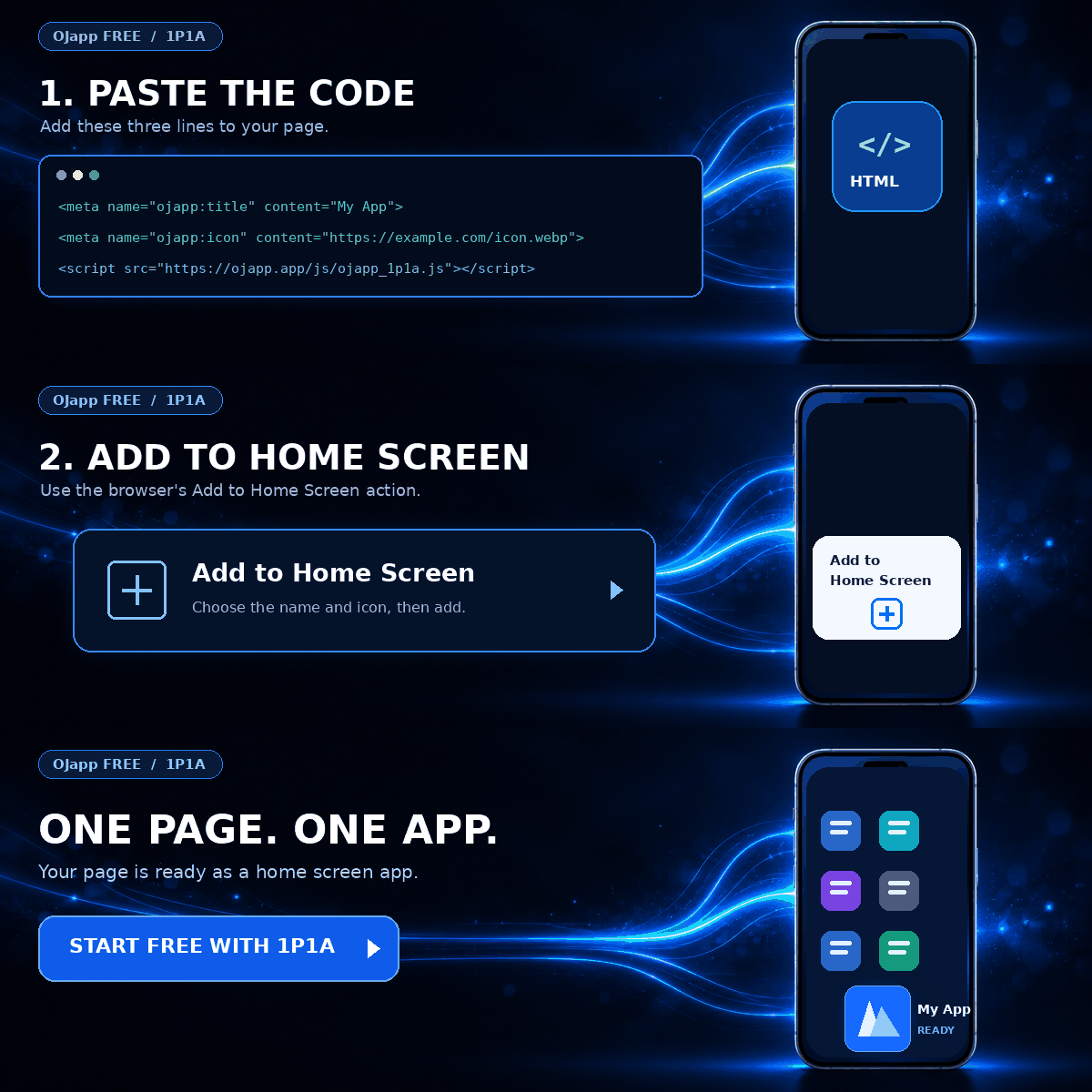
The home screen removes the need to find the website again
Once a web tool has a home screen entry, the next visit can become:
Home screen
->
Tap icon
->
Tool
The user no longer needs to remember the URL.
There is no need to find a bookmark first.
You can open the tool in the same basic way you open a calculator, clock, or another utility already sitting on your phone.
The implementation is still web technology, but moving the entrance to the home screen can make the usage pattern much more app-like.
This becomes easier to understand when PWA is viewed as a way to strengthen a web entry point on the home screen, rather than as a requirement to rebuild a website into something that imitates a native app.
 How to Make a PWA Feel Like a Native App: UX Tips for iPhone and Android
Small tools used repeatedly are especially good candidates
Not every web utility needs to become a PWA.
The strongest candidates are small functions people use again and again.
For example:
- timers
- calculators
- unit converters
- image compression and conversion tools
- character counters
- QR code generators
- password generators
- simple notes and checklists
These tools do not necessarily need to be large applications.
Sometimes one function that opens instantly is enough.
That makes the combination of web distribution and a home screen entry particularly natural.
I use this model in my own web tools
OJ-Pass, one of the tools I built, is a good example of this idea.
OJ-Pass regenerates the same password from three inputs: a master key, a service name, and the creation month.
It does not send the input to a server, does not use a database to store it, and performs the process in the browser.
It also uses a Service Worker to cache the files it needs, allowing it to work offline once the required assets have been cached.
As a normal web page, it is a tool reached through a URL.
Once placed on the home screen, the journey becomes:
Home screen
->
OJ-Pass
->
Generate the password you need
It starts to feel much closer to a small utility app.
The underlying implementation is still the web.
What mainly changed is the entrance and the way I use it.
Web tools fit the space between a webpage and an app-store product
Imagine building a tool that performs one specific calculation.
If you distribute it as a native app, development and distribution can involve app packaging, store listings, review processes, and a separate update workflow.
Those steps make sense when the product needs native capabilities.
But if HTML and JavaScript already provide everything the tool needs, the web can remain the distribution layer.
Open a URL and use it immediately
+
Keep it on the home screen if it becomes useful
There are many small utilities where this amount of application experience is enough.
Not every useful function needs its own app-store package.
A small web tool can still become one of the user’s everyday tools once it has a persistent home screen entry.
PWA does not magically increase the tool’s capabilities
This distinction matters.
Turning a web tool into a PWA does not suddenly make its JavaScript calculations faster.
It does not remove the normal limitations of Web APIs.
And adding something to the home screen does not automatically unlock every capability available to native software.
The main value is not increasing what the tool can compute.
It is creating a better entrance back to that tool.
If the use case needs it, a Service Worker can then add explicit caching and offline behavior. Those are additional capabilities, not prerequisites for the home screen idea itself.
Tools that can run locally are an especially strong fit
Some web tools do not need a server once their files have loaded.
Examples can include:
- calculations
- text transformations
- local image processing
- timers
- some generators
If the necessary application files are cached with a Service Worker, those tools can also be designed for offline use.
Launch from home screen
->
Required files are cached
->
Use the tool without a network connection
At that point, the PWA can feel less like a shortcut to a website and more like a lightweight local utility.
I have compared these approaches in PWA Cache Strategies: cache-first, network-first, and stale-while-revalidate.
Offline support is still optional
A web tool does not have to work offline just because it is a PWA.
If the feature depends on a server API, it can still require a network connection while benefiting from a home screen entry.
Examples include tools based on:
AI services
Exchange-rate data
Weather data
Cloud-hosted user data
The PWA can launch from the home screen while the feature itself still requires connectivity.
Offline capability and home screen access are related PWA possibilities, but they do not have to be treated as the same requirement.
1P1A works well when one website contains several tools
Imagine a website containing:
/timer/
/counter/
/converter/
/image-tool/
A conventional site-wide PWA might represent all of them with one application icon.
But perhaps the user only wants the timer every day.
With page-level Manifest generation, those tools can instead become separate home screen entries:
⏱ Timer
🔢 Counter
🔄 Converter
🖼 Image Tool
Each URL now has its own meaning on the home screen.
This is where 1P1A (One Page. One App.) becomes particularly useful for web tools.
You can even turn a configured tool state into an app entry
Some web tools represent their settings in URL query parameters.
A timer, for example, might use:
/timer/?time=5&mode=downto represent a five-minute countdown.
In that case, the thing worth keeping may not simply be “Timer.”
It may be:
5 Minute Timer
10 Minute Timer
25 Minute Focus Timer
The same underlying web tool can expose different useful states through URLs, and those URLs can become different entrances on the home screen.
I have been exploring this direction as UDA (User Defined App).
The developer does not have to define every possible app
This is where URL-based tools become especially interesting.
The developer does not need to separately build:
3 Minute Timer App
5 Minute Timer App
10 Minute Timer App
15 Minute Timer App
25 Minute Timer App
The developer can provide one timer.
The user chooses the state they regularly need, that state is represented by a URL, and the URL becomes their own home screen entry.
Developer provides web tool
->
User configures it
->
URL represents that state
->
User keeps it on the home screen
This moves slightly away from the idea that the developer must define every finished application in advance.
Frequency is a better test than “Can this be a PWA?”
There is no reason to put every web tool on the home screen.
If you need a tool once, finding it through search and closing it afterward may be perfect.
The value increases when you use it:
every day
every week
repeatedly at work
whenever you perform a particular task
The useful question is not simply whether the page can technically become a PWA.
It is whether you repeatedly return to this URL.
If you do, moving that entrance to the home screen starts to make sense.
Web tools are a natural place for lightweight app experiences
Some tools absolutely need native applications.
If deep operating-system integration, native-only capabilities, or other platform-specific requirements are central to the product, an app-store application may be the better architecture.
But a feature that already works well on the web does not automatically need to become a heavy application package.
Open it instantly from a URL.
Keep it on the home screen if it becomes useful.
Add offline behavior when the use case benefits from it.
And, when appropriate, let individual pages or URL states become their own entrances.
The value of turning a web tool into a PWA is that you can keep the lightweight nature of the web while moving the tool into the place where everyday tools already live: the home screen.

Add OJapp Tips as a preferred source on Google
Make it easier to find OJapp Tips articles in Google Search.