This site uses the original WordPress plugin OJapp PWA Marketing.
Each article can be added to your Home Screen with its own dedicated icon.
For years, PWA tutorials have often presented the same basic formula.
Web App Manifest
+
Service Worker
+
HTTPS
=
PWA
I also used to think of the Service Worker as part of the minimum package required to make a PWA.
But while testing different configurations in PWA LAB, I found that pages without any registered Service Worker could still be installed through Chrome.
That raised an obvious question.
Wait, wasn’t a Service Worker required for a PWA?
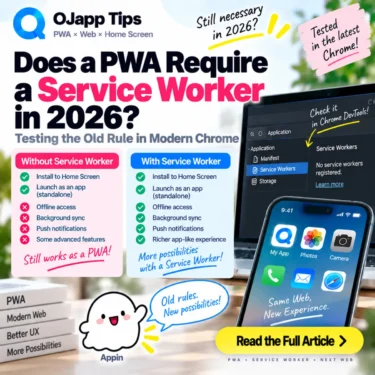
After checking the current documentation again, the answer in 2026 is clear: a Service Worker is not required for a PWA to be installable.
Let’s revisit one of the most persistent rules from older PWA tutorials and separate installation requirements from the features Service Workers actually provide.
- 1 Short answer: a PWA can be installed without a Service Worker
- 2 I also confirmed this without a Service Worker in PWA LAB
- 3 Why did everyone say a Service Worker was required?
- 4 This does not mean Service Workers are obsolete
- 5 Think ‘this feature needs a Service Worker,’ not ‘PWA needs a Service Worker’
- 6 A Service Worker also creates something you need to maintain
- 7 No Service Worker does not mean no browser cache
- 8 A home screen entrance can be much lighter
- 9 A PWA does not need to start as an all-in-one package in 2026
- 10 Old PWA rules are worth checking again
Short answer: a PWA can be installed without a Service Worker
As of 2026, a Service Worker is not a requirement for PWA installation.
Current MDN documentation explicitly notes that a Service Worker is not required for a PWA to be installable.
For Chromium-based browsers, MDN currently lists Manifest requirements including:
nameorshort_name- 192px and 512px icons
start_urldisplayand/ordisplay_overrideprefer_related_applicationsset to false or omitted
The application also needs to be served over HTTPS, or from an accepted local development environment such as localhost.
A Service Worker is not part of that current list.
Reference: MDN – Making PWAs installable
I also confirmed this without a Service Worker in PWA LAB
This is not only a documentation detail.
I have repeatedly tested PWA configurations without Service Workers in PWA LAB.
A page can reference a Web App Manifest:
<link rel="manifest" href="/manifest.json">with a Manifest such as:
{
  "name": "My App",
  "short_name": "My App",
  "start_url": ".",
  "display": "standalone",
  "icons": [
    {
      "src": "/icon-192.png",
      "sizes": "192x192",
      "type": "image/png"
    },
    {
      "src": "/icon-512.png",
      "sizes": "512x512",
      "type": "image/png"
    }
  ]
}
There is no Service Worker registration in this example.
In supported Chrome environments, I have still been able to install configurations like this and launch them from the home screen or app launcher with standalone presentation.
So the statement ‘you cannot install a PWA without a Service Worker’ no longer describes current Chrome behavior.
 What PWAs Can and Cannot Do on iOS in 2026: A Complete Practical Guide
Why did everyone say a Service Worker was required?
This is where the history matters.
Service Workers are deeply connected to the PWA ecosystem.
They can intercept network requests and work with the Cache API to provide offline behavior.
They are also involved in capabilities such as push notifications and background operations that make web applications behave more like installed applications.
For a long time, PWA tutorials therefore taught the Web App Manifest and Service Worker together.
Older Chrome installability criteria also required a Service Worker, so documentation written for those versions was correct at the time.
Many of those tutorials are still searchable today, which makes the old requirement easy to mistake for a current one.
This does not mean Service Workers are obsolete
This distinction is important.
Not being required for installation does not mean Service Workers are unnecessary.
They remain an important web platform technology.
You may need or want a Service Worker when your application should:
- work offline
- serve cached content during unreliable network conditions
- control resource caching explicitly
- receive push notifications
- perform supported background operations
MDN makes the same distinction: Service Workers are not required for installation, but they are commonly used by PWAs to provide offline experiences.
Think ‘this feature needs a Service Worker,’ not ‘PWA needs a Service Worker’
I now find this model much easier to work with:
This is a PWA
->
Add a Service Worker

becomes

This needs offline support
->
Add a Service Worker
Consider a simple profile page that someone wants to keep on their home screen.
If its main purpose is to open the latest online information quickly, a complex offline cache may provide little value.
A tool intended for use in areas with poor connectivity is different. Offline support can be a major feature there.
The implementation should follow the requirement rather than the label ‘PWA.’
A Service Worker also creates something you need to maintain
Service Workers are powerful, but they are not free complexity.
In PWA LAB, I have repeatedly tested caching behavior where an aggressive cache strategy caused old HTML or JavaScript to remain active longer than expected.
A cache-first strategy can provide strong offline behavior, but then cache versioning and updates become part of the application architecture.
A Service Worker with a broad scope can also control more pages than intended.
That does not make Service Workers bad. It means they are powerful enough that there should be a reason for adding one.
For more on this, see PWA Cache Strategies Explained: cache-first, network-first, and stale-while-revalidate.
No Service Worker does not mean no browser cache
Another common misunderstanding is that removing the Service Worker means every page starts from zero on every request.
Normal websites already have browser caching mechanisms such as HTTP caching.
A Service Worker adds another programmable layer that allows developers to intercept requests and define explicit caching behavior.
So this equation is wrong:
No Service Worker
=
No caching
The distinction matters when deciding whether your application actually needs Service Worker-controlled caching.
A home screen entrance can be much lighter
This became especially clear to me while working on 1P1A.
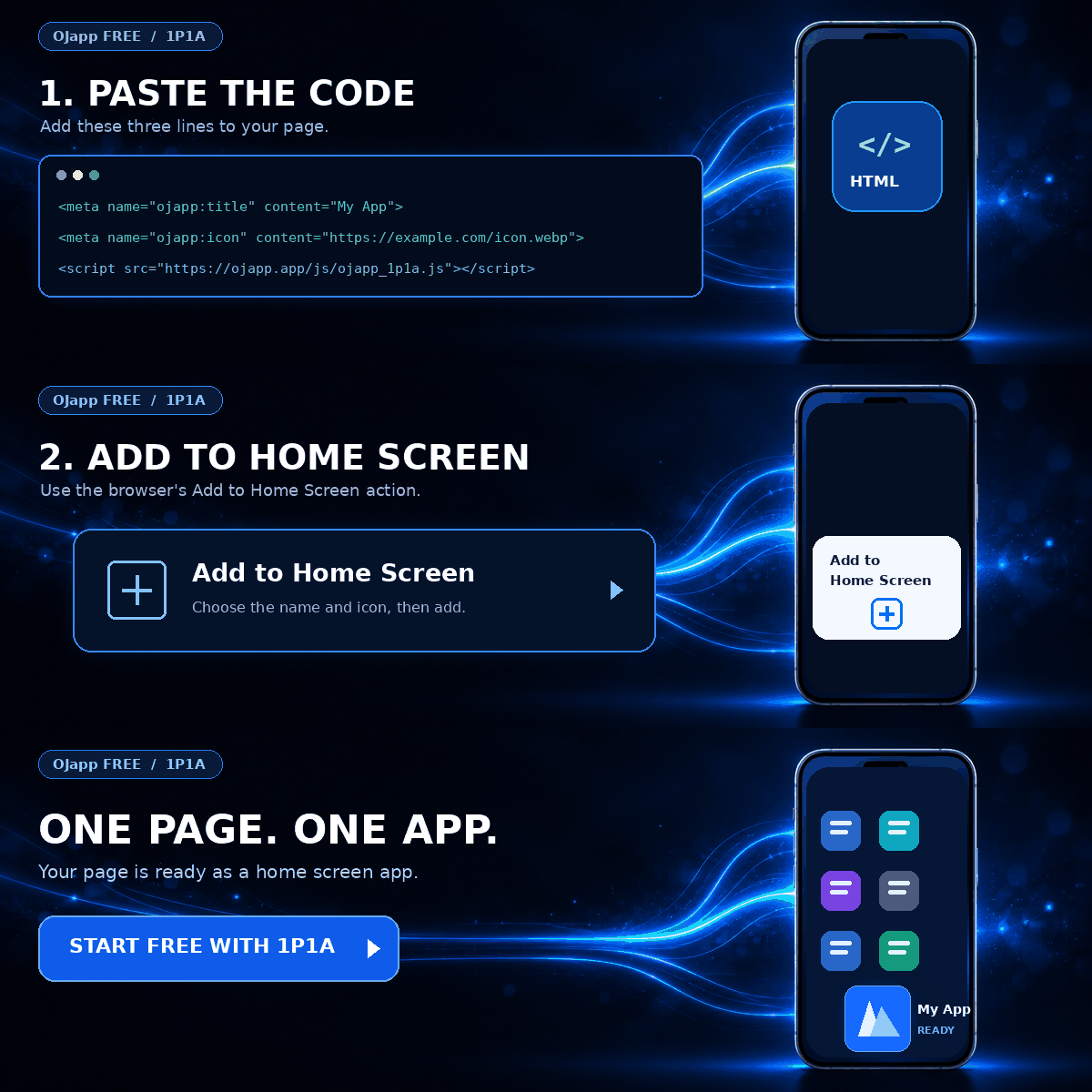
In a One Page. One App. design, an individual web page can become its own home screen entrance.
For that purpose alone, there is no reason every page must automatically receive its own Service Worker architecture.
The Manifest can define the name, icon, launch URL, and display mode.
The page can then become a direct home screen entrance.
If offline support becomes useful later, a Service Worker can be added for that reason.
This makes the initial PWA implementation much lighter.
For a minimal starting point, see The Fastest Way to Build a Minimal PWA.
A PWA does not need to start as an all-in-one package in 2026
The term PWA can make the implementation sound larger than it needs to be.
Manifest
Service Worker
Offline support
Push notifications
Install UI
Cache strategy
You may eventually use all of those things.
But they do not all need to exist on day one.
Start with an installable web application.
Add a Service Worker if offline behavior is valuable.
Add push infrastructure if the product needs push notifications.
Build the capabilities that solve actual problems.
Old PWA rules are worth checking again
Web platform behavior changes over time.
A tutorial can have been completely correct when it was published and still describe an outdated requirement today.
The Service Worker requirement is a good example.
In 2026, a Service Worker is not required simply to make a PWA installable.
It remains extremely useful for offline behavior, caching control, push, and background capabilities.
Instead of asking ‘Does a PWA need a Service Worker?’, ask ‘Does this feature need a Service Worker?’
That small change in thinking makes modern PWA architecture much easier to understand.
Next, I will take this one step further and test how far we can go with a Web App Manifest and no Service Worker at all.

Add OJapp Tips as a preferred source on Google
Make it easier to find OJapp Tips articles in Google Search.