I came across a question from someone who could add other websites to their home screen but no longer saw the expected option for one site they used frequently. At first glance, that sounds like a browser problem. But the site's PWA configuration may also be part of the explanation.
The Manifest described the entire site as one app
A site-oriented PWA often uses settings such as:
{
  "start_url": "/",
  "scope": "/",
  "display": "standalone"
}
This tells the browser that the site root is the launch destination and that a broad set of pages belongs to the same app experience.
1S1A means one site, one app
I call this 1S1A (One Site. One App.). It is a reasonable design for a service intended to have one installed identity.
The issue arises when the visitor is not trying to install the whole service. They may simply want to keep the exact article or tool currently on screen.
Why the option can appear to be missing
Browsers may change their installation interface depending on whether a site is already installed, which browser is in use, and how the Manifest identifies the app. In some circumstances, a page that belongs to an already installed site-wide PWA will not be presented as a new independent installation in the way the user expects.
That does not prove every missing “Add to Home Screen” option is caused by a Manifest. Browser menus, operating-system versions, and installation state must also be checked.
The design question: site or page?
A site-wide start_url may take the user to the home page even if they initiated the action from a specific article.
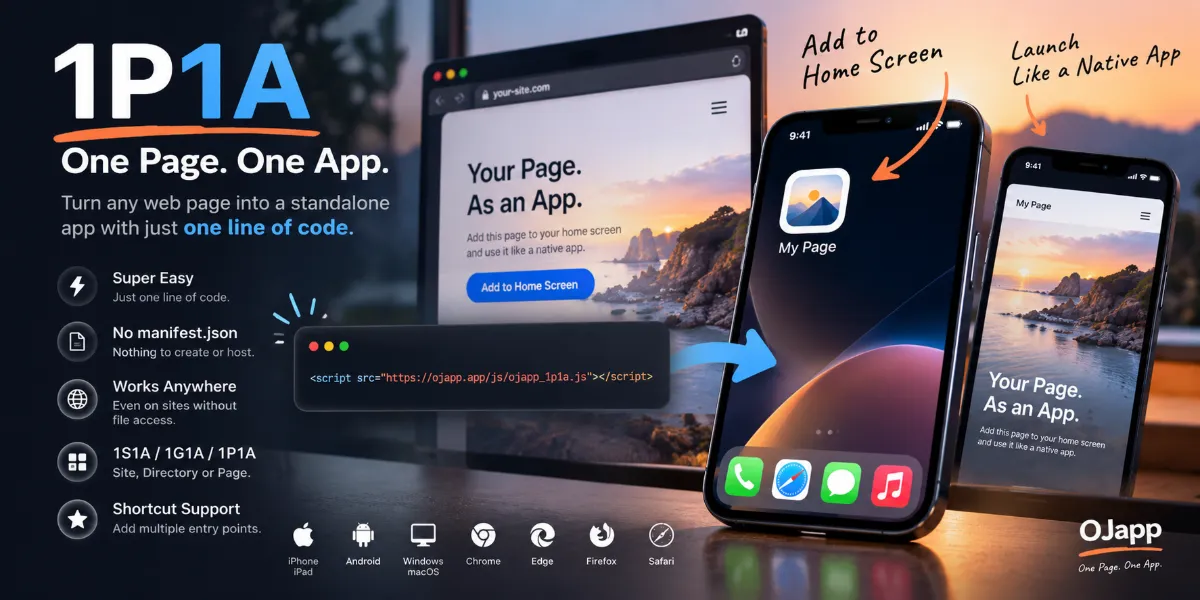
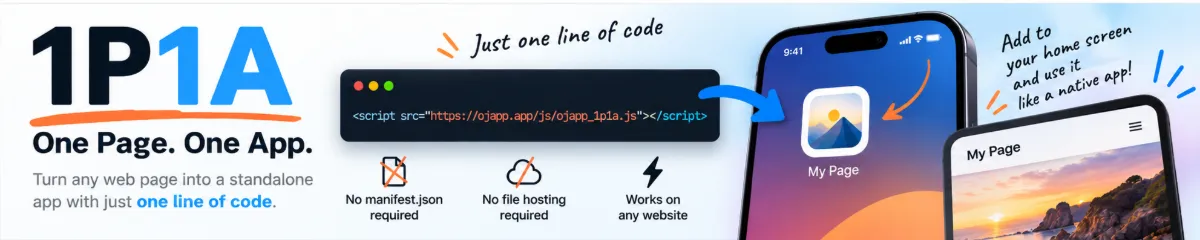
With 1P1A (One Page. One App.), the intention is different: preserve the current page as its own entry point.
1S1A → reopen the service
1P1A → reopen this particular page
For page-specific apps, the Manifest's launch URL and identity need to be designed together. Using a relative start_url can help in a dynamically generated Manifest, but its meaning depends on the Manifest URL and must be verified.
1S1A is not a mistake
There are good reasons to make one site one app. The problem is assuming that this is always what the visitor wants. An installation interface is not just a technical feature; it reflects the app identity the site has chosen.
What to check when home screen addition behaves strangely
Check whether the site is already installed, inspect its Manifest, compare the start_url, id, and scope, and test from a clean browser state. Also compare the result on iPhone and Android rather than treating their installation flows as identical.
Conclusion
Sometimes the cause of a missing or unexpected home screen option is not simply the browser. It may be the relationship between the site's PWA identity and the specific page the user wants to keep. Designing that distinction explicitly is the heart of 1S1A versus 1P1A.