Search for “PWA development cost” and you may see estimates ranging from hundreds of thousands to several million yen. That sounds expensive if all you want is to let people open your existing website from the home screen.
The apparent contradiction comes from calling very different projects by the same name: PWA.
Cost depends on what you mean by a PWA
Compare these two projects:
Existing website + home screen launchand
Home screen launch + offline support + push notifications
+ login + custom UI + backend + data synchronization
They are not comparable development jobs. Start by deciding what functionality you actually need.
Level 1: Home screen support can start for free
A basic Web App Manifest can describe the app name, launch page, display mode, and icon:
{
  "name": "Example",
  "short_name": "Example",
  "start_url": ".",
  "display": "standalone",
  "icons": [{ "src": "/icon.png", "sizes": "512x512", "type": "image/png" }]
}
If the website already exists and you can implement the configuration yourself, the software cost of this step can be zero. You are adding home screen behavior, not rebuilding the website.
A Service Worker is a separate decision
Many tutorials present a Manifest and Service Worker as an inseparable package. But home screen addition does not always require you to implement a Service Worker. The exact installation rules depend on the browser and platform.
A Service Worker becomes important when you want to intercept network requests, provide offline behavior, or manage custom caches. Those features introduce design and maintenance costs.
OJapp 1P1A can simplify the first step
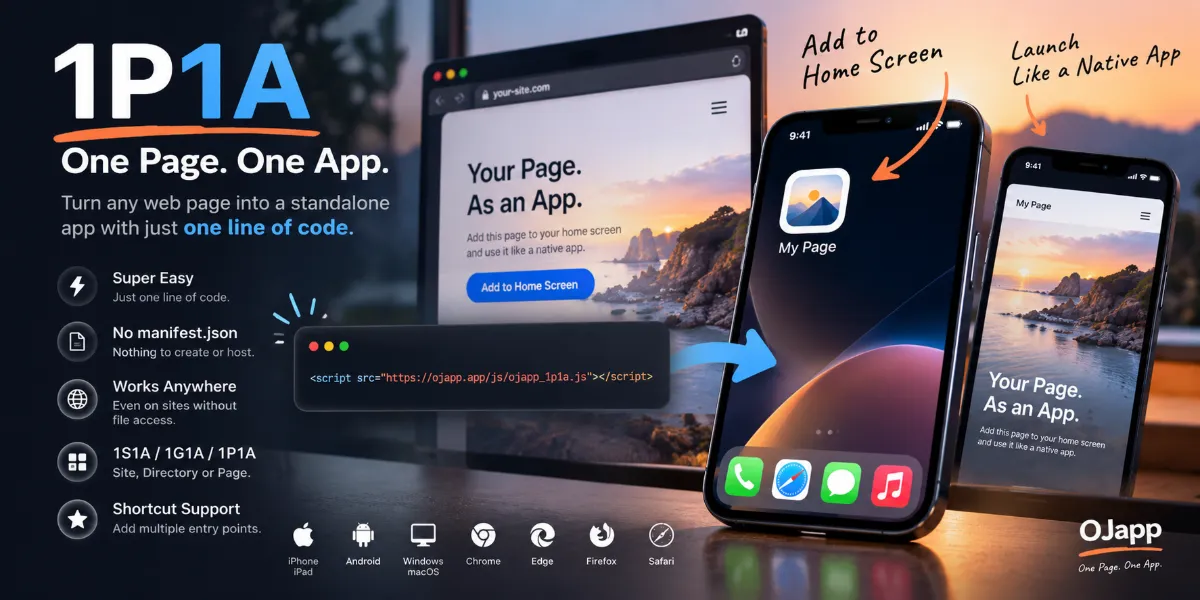
OJapp's 1P1A approach dynamically generates Manifest data for individual pages:
<script src="https://ojapp.app/js/ojapp_1p1a.js"></script>An optional page icon can be specified with:
<meta name="ojapp:icon" content="https://example.com/icon.png">For WordPress, the OJapp PWA Marketing plugin offers another route to page-specific home screen support.
Level 2: Offline support adds engineering work
Offline functionality needs decisions about what to cache, when to refresh it, how to remove old versions, whether the network or cache takes priority, and what to show when a request fails.
Not every website benefits from this. A booking or e-commerce checkout usually needs a server connection to complete the transaction. Offline support is more valuable for field tools, reference data, and services that must tolerate unreliable connectivity.
Level 3: Push notifications require backend design
A typical push flow involves permission, a subscription, server-side storage, message delivery, and a Service Worker to receive the event. You must also handle unsubscribes, invalid subscriptions, and user preferences.
Before building all of that, ask whether users actually want notifications. Sometimes a message displayed when they voluntarily open the home screen app is enough.
Level 4: A full web app can cost millions of yen
Authentication, databases, payments, real-time synchronization, APIs, custom interfaces, and administration tools are substantial features whether the product is a PWA or not.
A large estimate often reflects the cost of the application itself, not an extra charge for making it installable.
Compare the levels
| Goal | Typical work | Relative scale |
|---|---|---|
| Home screen entry | Manifest, icon, display | Small; DIY may be free |
| Page-specific apps | Dynamic Manifest and identity | Small |
| Offline operation | Service Worker and cache design | Medium |
| Push notifications | Subscription and server delivery | Medium to large |
| Full web application | Auth, database, API, payments, UI | Large |
These are categories, not fixed price quotes. Actual costs depend on requirements, the existing codebase, and who implements the work.
Why an existing website changes the equation
A responsive website can often be reused rather than rewritten as separate native iOS and Android apps. If the objective is simply to improve access from the home screen, that can make PWA support very cost-effective.
Native applications still have their place, particularly when a project needs platform-specific capabilities. But they are not automatically necessary for a useful home screen experience.
Conclusion: define the goal before requesting a quote
Start with the smallest feature that solves the problem. Add offline behavior if offline use matters. Add push if users benefit from it. Build a full backend only when the product needs one.
The question is not “How much does a PWA cost?” It is “What exactly are we building?”