Want visitors to add your website to their home screen as a PWA, but don't want to build and maintain a separate manifest.json? OJapp can generate the Web App Manifest dynamically with a single JavaScript tag. No account is required for the free script.
Turn an entire site into one app: 1S1A
1S1A (One Site. One App.) treats the site as a single home screen application. Add this script to the HTML <head>:
<script src="https://ojapp.app/js/ojapp_1s1a.js"></script>The script generates a site-oriented Manifest using the origin and site root. This is useful for a company website or service that should always launch from its main entry point.
Turn individual pages into separate apps: 1P1A
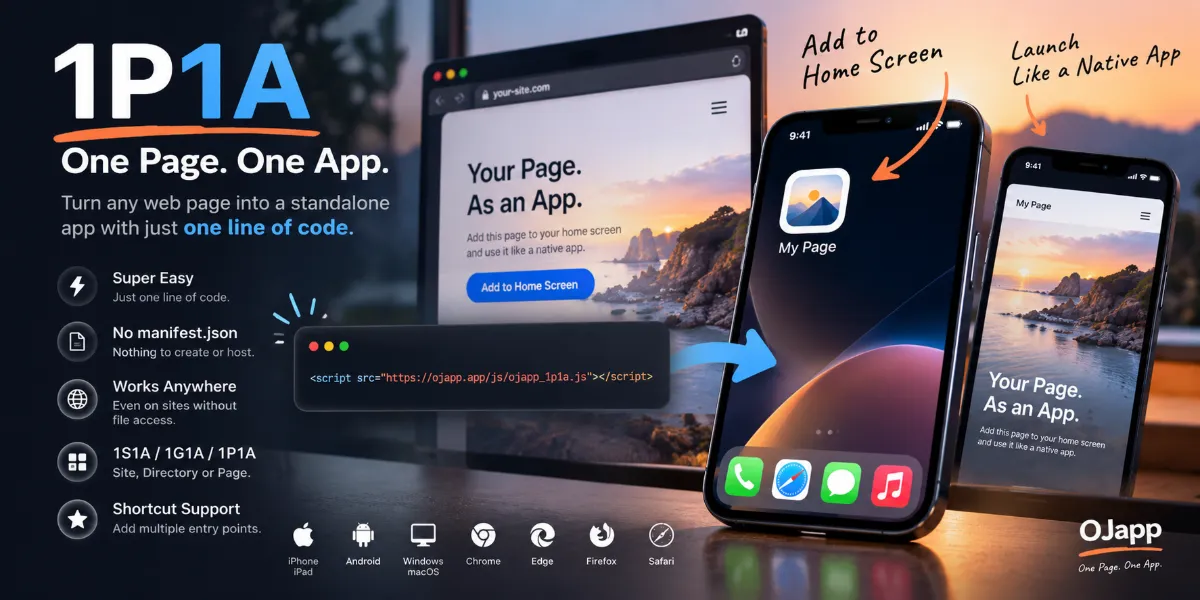
1P1A (One Page. One App.) is designed for product pages, articles, profiles, booking pages, and other URLs that users may want to keep individually.
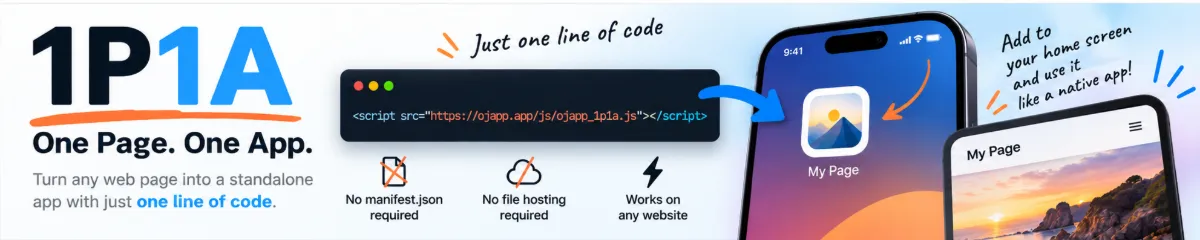
<script src="https://ojapp.app/js/ojapp_1p1a.js"></script>The page's URL is used to generate page-specific Manifest information. For example:
https://example.com/product/wallet/
https://example.com/product/bag/
https://example.com/product/shoes/
The goal is to make each of these pages available as a separate home screen entry, subject to the browser's installation behavior.
1S1A versus 1P1A
The distinction is straightforward:
1S1A: One Site. One App.
1P1A: One Page. One App.
Both use the Web App Manifest. What changes is what you define as an app.
No static manifest.json required
A conventional implementation references a Manifest file:
<link rel="manifest" href="/manifest.json">OJapp instead generates Manifest data in the browser and inserts a Manifest link dynamically. The general flow is:
Open page → run OJapp script → read page information
→ generate Manifest → attach Manifest link
That is particularly useful when you can edit HTML but cannot upload a separate Manifest file.
Customize the name and icon
By default, the script can use existing page information such as the title and available icon candidates. You can override them explicitly:
<meta name="ojapp:title" content="Mini Wallet">
<meta name="ojapp:icon" content="https://example.com/wallet.png">
This lets a product page use a product-specific icon rather than the same site logo everywhere.
Exclude pages that should not become apps
If the 1P1A script is included site-wide, you may want to exclude the home page or category pages:
<meta name="ojapp:exclude" content="true">The script detects the tag and skips its Manifest-generation behavior on that page.
Do you need a Service Worker?
OJapp's free script focuses on Manifest generation and the home screen entry experience. A Service Worker is a separate tool for features such as offline support and custom request caching. You do not need to build a complex offline system just to begin experimenting with home screen access.
Normal browser caching may improve repeat visits, but performance and offline availability are not guaranteed merely because a Manifest exists.
Conclusion
For a site-wide app, use the 1S1A script. For individual page apps, use the 1P1A script. Both make the first step small: instead of building an entirely new application, give an existing website a useful entrance on the home screen.
Related: 1P1A design philosophy · PWA basics · Home screen marketing · OJapp official site