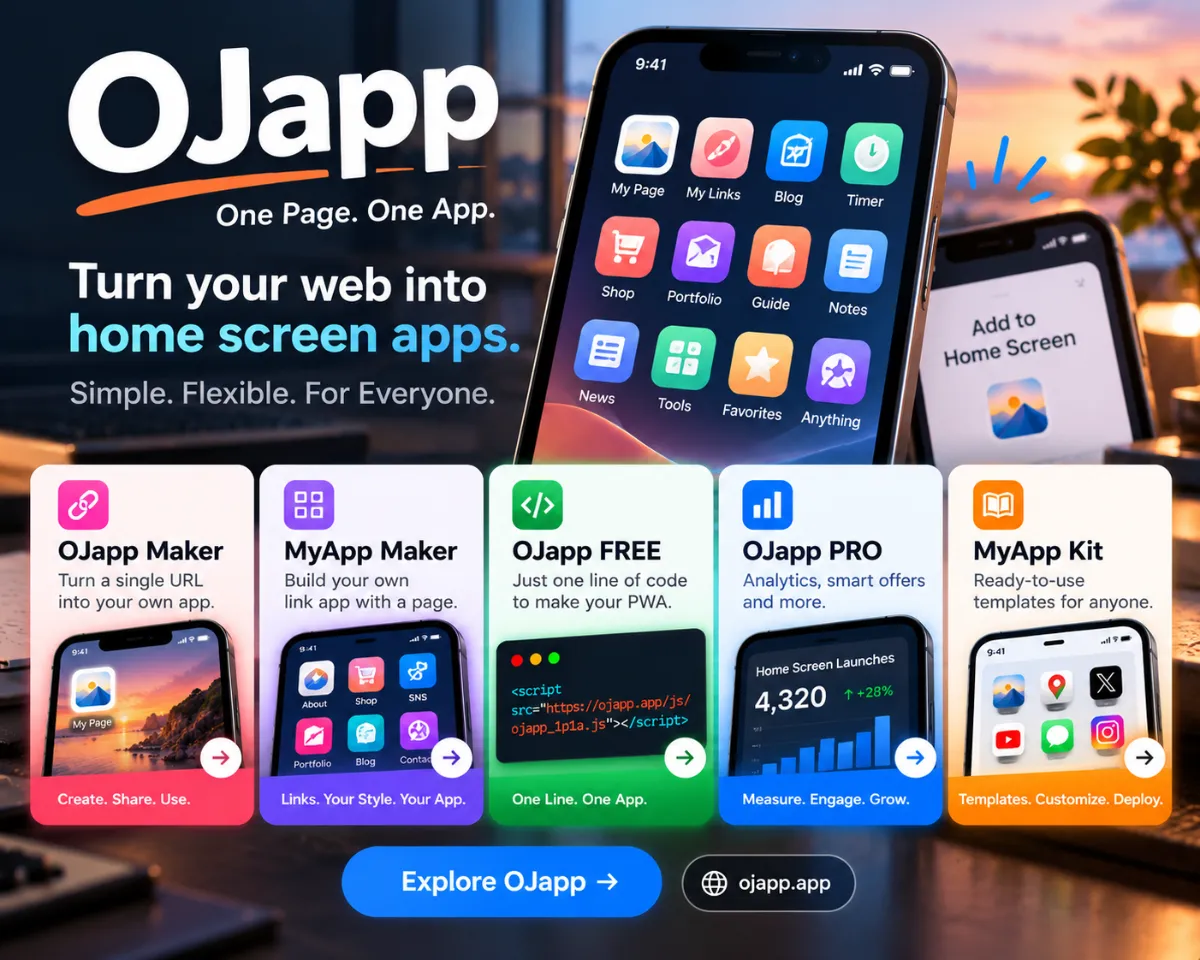
If you want to turn your website into an app-like experience or make it look cleaner when added to the Home Screen, you need to implement PWA functionality.
Although PWAs may sound technical, the core requirements are surprisingly simple. You only need two things:
- manifest.json (app metadata)
- Service Worker (caching and behavior control)
Set these up correctly, link them to your HTML, and your website can function as a PWA.
1. Create manifest.json
The manifest file contains your app’s name, icon settings, theme color, and how the app should behave when launched from the Home Screen.
{ "name": "App Name", "short_name": "Short Name", "start_url": "/", "display": "standalone", "background_color": "#ffffff", "theme_color": "#ffffff", "icons": [ { "src": "/icons/icon-192.png", "sizes": "192x192", "type": "image/png" }, { "src": "/icons/icon-512.png", "sizes": "512x512", "type": "image/png" } ] } The most important part is the icons section— Home Screen icons come from here.
Include the manifest in your HTML:
<link rel="manifest" href="/manifest.json">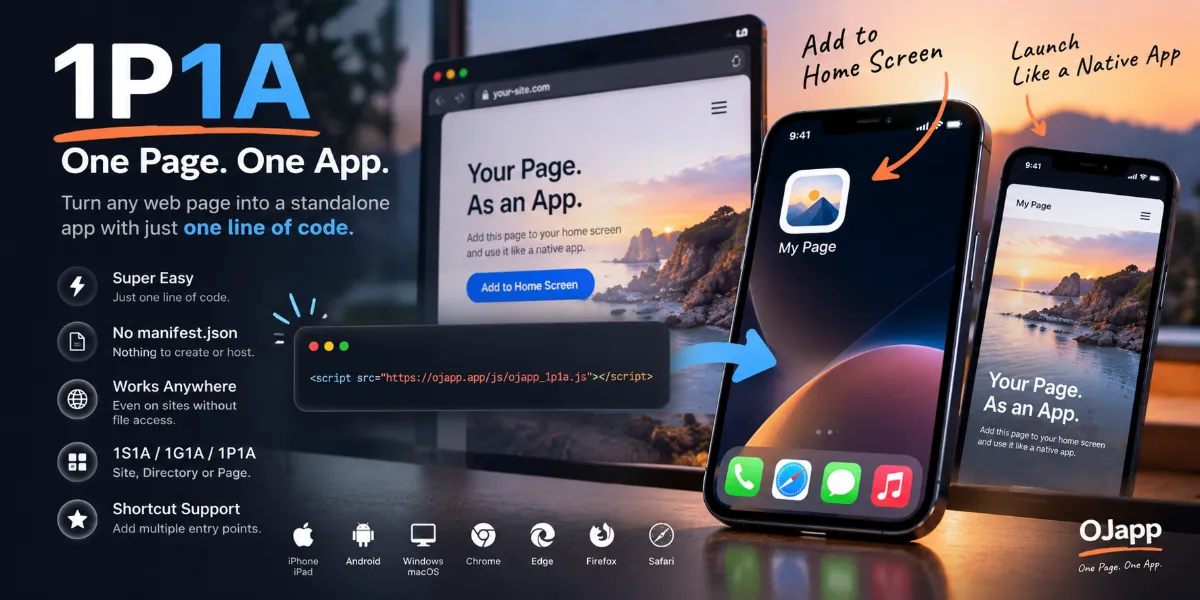
2. Register a Service Worker
The Service Worker (SW) gives a PWA its “app-like” feel by running in the background.
Start with a minimal sw.js:
self.addEventListener("install", () => { console.log("Service Worker installed"); }); Then register it from your site:
if ("serviceWorker" in navigator) { navigator.serviceWorker.register("/sw.js"); } Once the SW is active, display: standalone from the manifest takes effect, removing the browser UI and giving your PWA an app-like appearance.
3. Prepare App Icons
Most platforms rely on two sizes:
- 192×192 px
- 512×512 px
iPhone is flexible, but Android requires these sizes for proper PWA installation.
4. HTTPS Is Required
For security reasons, PWA features only work on HTTPS domains.
Local development is an exception, but production PWAs must be served securely.
5. Test by Adding to the Home Screen
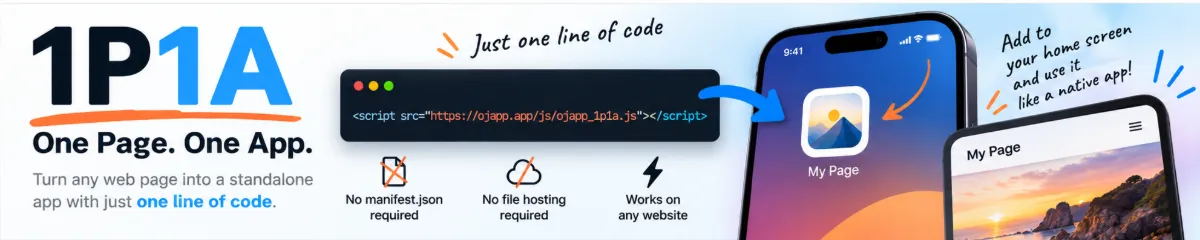
Open your site in Safari (iPhone) or Chrome (Android) and tap Add to Home Screen.
If everything is set up correctly:
- The browser UI disappears
- Your custom PWA icon appears
- The site launches in standalone mode
PWA = “Visual Setup” + “Internal Behavior”
A true PWA is created by combining:
- manifest.json → appearance and metadata
- Service Worker → functionality and caching
With just these two files—and HTTPS—you can turn almost any site into a mobile-friendly, installable web app.
Summary
- Use manifest.json to define name, colors, icons, and display mode
- Use a Service Worker to enable app-like behavior
- HTTPS is mandatory
- When added to the Home Screen, the UI becomes app-like
For developers who want an app-like experience without publishing to the App Store, PWAs are an incredibly powerful option.