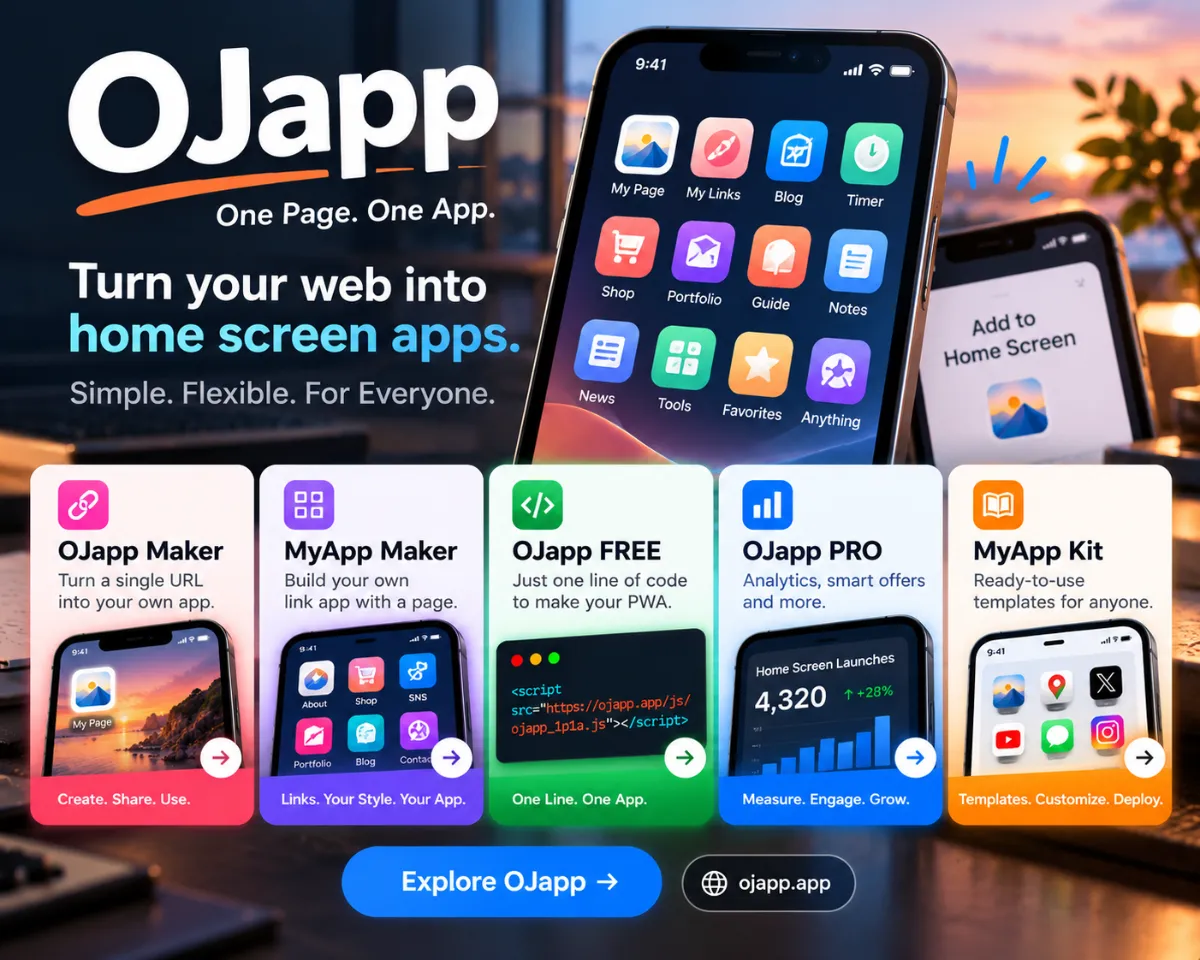
When adding something to the smartphone Home Screen, there are actually three completely different methods behind it: PWA, Shortcuts, and OJapp.
All three place an icon on the Home Screen, but the internal mechanics, usability, flexibility, and shareability are totally different.
A Quick Comparison of the Three Methods
| Method | Flexibility | Setup Difficulty | Shareability | Best Use Case |
|---|---|---|---|---|
| PWA | Medium–High | Moderate | Automatic | Developers offering an app-like experience |
| Shortcuts | Very High | Complex | Not shareable | Users customizing their own Home Screen |
| OJapp | High | Very easy | Shareable via URL | Creators who want custom icons for shared links |
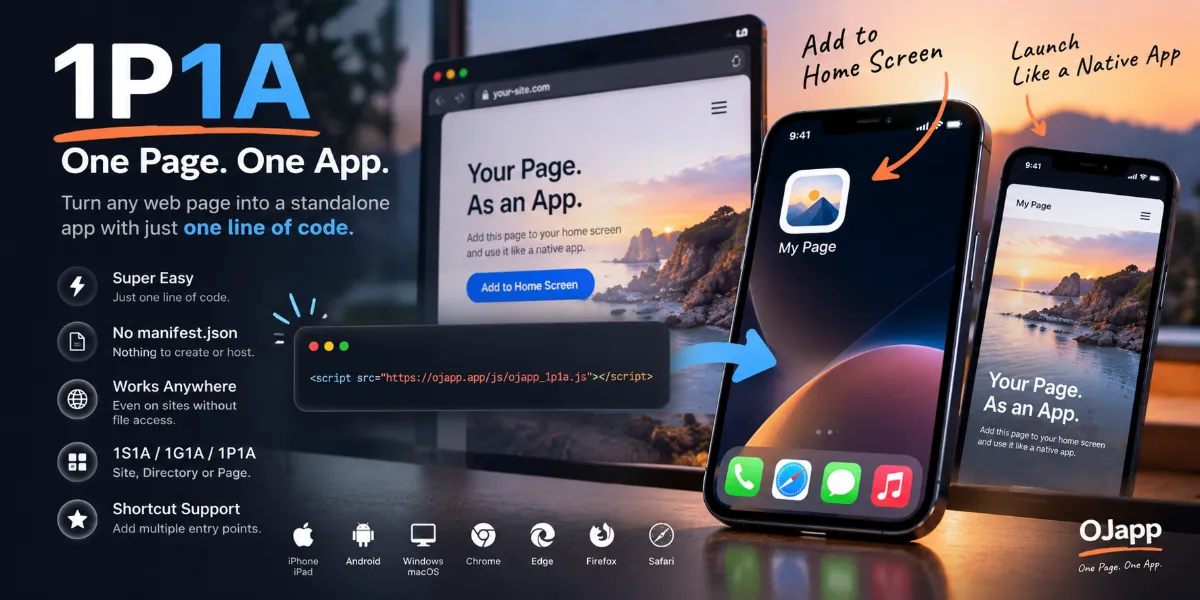
① PWA (Progressive Web App)
PWA allows a website to behave like an app. It is created by the developer and provided to users.
- manifest.json defines icons, name, and colors
- Service Worker adds app-like behavior and caching
- Home Screen launch hides the browser UI
User customization is limited, but for website owners, PWAs provide “app-like experience without the App Store.”
✔ Who Should Use a PWA
- Website owners who want an official app-style experience
- Blogs, stores, SaaS tools that want branded icons
- Cases where users should not perform extra configuration
✘ When PWA Is NOT Suitable
- When users want to choose their own icon
- When placing URLs that aren’t controlled by the site itself
② Shortcuts (iPhone Only)
Shortcuts lets users create “fake app icons” that launch URLs or apps. Highly customizable, but the process is messy.
- Maximum design freedom
- Many setup steps
- Cannot be shared—each user must recreate it
Perfect for personal Home Screen aesthetics, but terrible for sharing with others.
✔ Who Should Use Shortcuts
- Users who want complete visual control
- People who enjoy building themed Home Screens
- Those who want to redesign every icon manually
✘ When Shortcuts Are NOT Suitable
- When you want others to use your icon (not shareable)
- When the target audience dislikes complex setups
③ OJapp
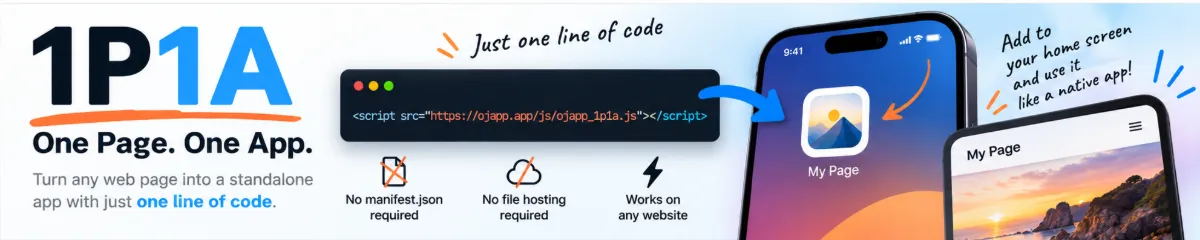
OJapp is a tool that lets anyone set the icon, name, and URL used when adding a webpage to the Home Screen.
- Upload an image → instantly becomes an icon
- Just paste a URL → setup completed
- No Shortcuts, no app installation
- One generated URL can be shared with anyone
Creators and shop owners particularly love OJapp because customers can add the shop to the Home Screen using the creator’s own logo.
✔ Who Should Use OJapp
- Anyone who wants their blog/shop/social link to use a custom icon
- Creators who want fans to save links easily
- People who want simple, shareable customization
✘ When OJapp Is NOT Suitable
- When you need true app-like behavior (use PWA)
- When you want full device-wide aesthetic control (use Shortcuts)
Understanding the Differences at a Glance
■ Who configures it?
- PWA: Developer
- Shortcuts: User
- OJapp: Creator sets it once → share with many
■ Icon flexibility
- PWA: Fixed by the developer
- Shortcuts: Fully customizable
- OJapp: Creator-customized icons, easily shared
■ Ease of sharing
- PWA: Just open the URL
- Shortcuts: Not shareable; must recreate
- OJapp: One link reproduces the exact setup
Conclusion: Which One Should You Use?
● Want your website to behave like an app? → PWA ● Want to redesign your whole Home Screen? → Shortcuts ● Want users to save your link with your custom icon? → OJapp
All three methods have unique strengths. The right choice depends entirely on your purpose.
Understanding the differences gives you much greater control over how icons and links behave on mobile devices.