Progressive Web Apps let websites appear on the home screen and launch in an app-like window. Traditionally, many PWA implementations treat an entire website as one application. That makes sense for some services—but it does not always match what the user wants to save.
Traditional PWAs treated the site as the app
A typical Manifest launches the site root:
{ "start_url": "/", "display": "standalone" }When someone adds a product page or article to the home screen, tapping the icon may open the site's home page instead. From the developer's perspective, the PWA is working. From the user's perspective, the page they wanted has disappeared.
But users often want a page, not a whole site
Think about a particular product, a booking form, a favorite article, or a personal profile. The value is in returning to that exact destination.
Bookmarks have worked this way for decades: save a URL, then return to it. Why should home screen apps always be organized around entire websites?
1S1A: One Site. One App.
I call the traditional site-oriented approach 1S1A. It works well when the entire service should feel like one application and the home page is the natural starting point.
1P1A: One Page. One App.
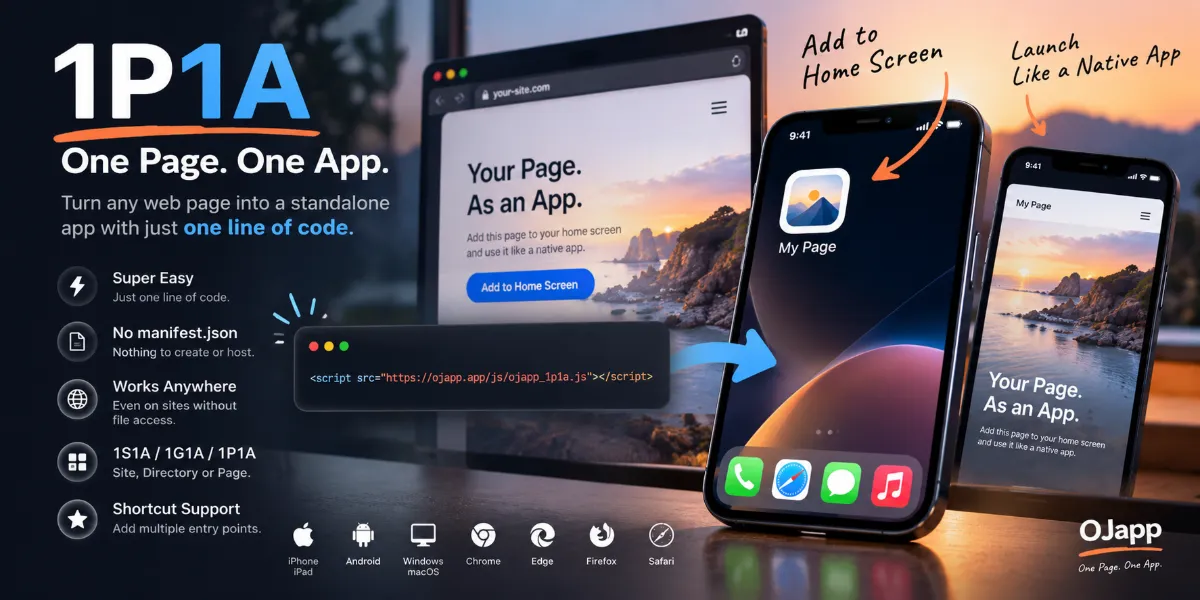
1P1A defines a page as the unit of the app. Different product pages, articles, or profiles can have distinct home screen entries with their own names and icons.
Product A → App A
Product B → App B
Article C → App C
The goal is to combine the directness of a bookmark with the presentation of a home screen web app.
The implementation difference can be small
The important parts are the launch URL, Manifest identity, scope, and icon. In a dynamic Manifest system, these can be generated from the current page rather than being hardcoded for the site root.
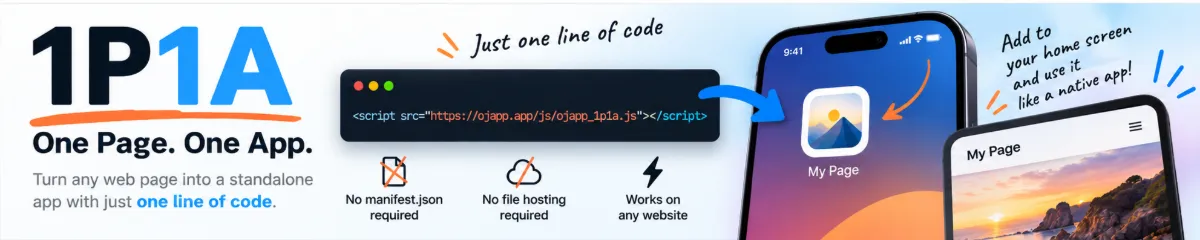
For example, OJapp's 1P1A script is included with one line:
<script src="https://ojapp.app/js/ojapp_1p1a.js"></script>Real installation behavior varies across iPhone and Android, especially when multiple entries share the same origin. The design needs device testing rather than assuming every platform treats separate pages identically.
Is 1S1A wrong?
Not at all. A bank, messaging service, or company portal may benefit from one consistent app identity. The point is to choose the right unit for the user experience.
A site-wide app can be viewed as one possible arrangement within a broader page-oriented way of thinking. What matters is whether users expect to reopen a service or return to one specific piece of content.
The web was built from pages
The web is a network of URLs, not just a collection of installable products. 1P1A takes that original strength seriously. Instead of asking everyone to “install the website,” it asks what exact page is worth keeping.
Conclusion
PWA design should start with the user's intention. If they want the whole service, 1S1A makes sense. If they want a specific page, 1P1A may be the better fit. The technology is similar; the definition of the app is different.